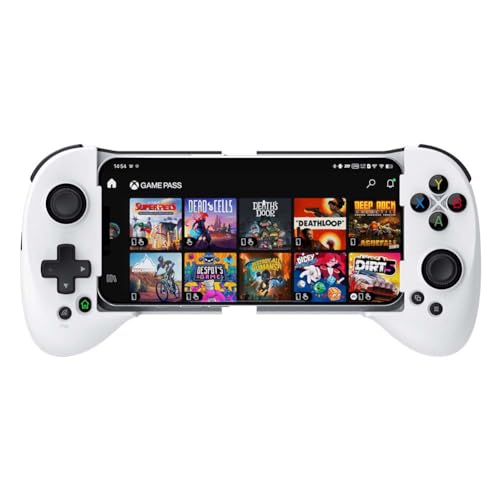
KICKDOT Wireless Phone Controller for iPhone/Android

Wireless phone controller with hall joystick for iOS and Android, compatible with cloud gaming platforms. Provides functional value for mobile gaming with mixed quality feedback from users
Highlights
- hall joystick for precise control
- broad platform compatibility
- mobile-friendly gaming controller
Pros
- wireless bluetooth connection
- hall joystick for mobile games
- broad platform compatibility
- works with cloud gaming services
Cons
- mixed quality feedback
- some users describe it as not ideal
- setup guidance required for pairing
Best For
Features
- Low-energy Bluetooth pairing via the Xbox Wireless Controller name after reset
- LED indicator shows pairing status with 4th light flashing when ready
- Reset hole on back allows reboot to resolve connection or offset issues
- Instructions specify not charging during connection and how to re-pair
- Compatibility notes reference iPhone gaming use and common issues