KVM Docking Station with 4K120Hz Dual Monitors and 2 Computers
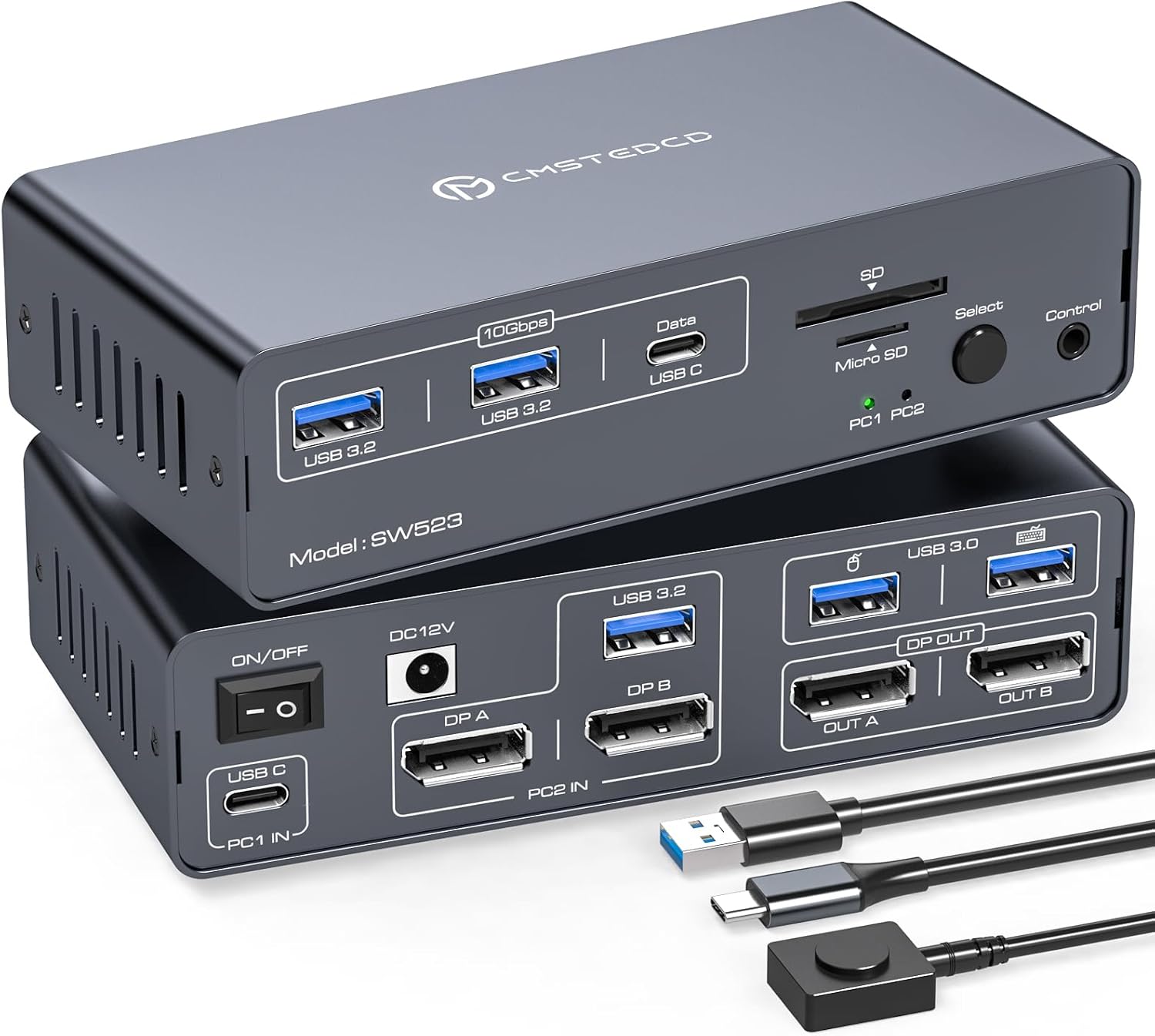
USB C dual-monitor docking station that lets two computers share 13-in-1 ports, including two displays, mouse, and keyboard. Supports seamless switching to improve workspace efficiency; requires Thunderbolt 3 or higher on the USB-C port for full functionality
Highlights
- 4K120Hz dual-monitor support
- 13-in-1 port sharing hub
- two-computer KVM switching
Pros
- dual monitor docking capability
- shared 13-in-1 port hub
- seamless switching between devices
- supports high-resolution 4K120Hz displays
- compact, space-saving arrangement
Cons
- USB-C input requires Thunderbolt 3 or higher
- USB-C input without PD charging function
Best For
Features
- Shares two monitors and USB devices between two computers via a 13-in-1 docking station
- Dual monitor output up to 4K120Hz with dual-mode support for docking and mirroring
- Front-panel USB 3.0, USB 3.2 and USB-C data ports plus SD and Micro SD slots
- USB-C input requires Thunderbolt 3 or higher; front USB-C port lacks PD charging
- Compatible with USB-C laptops and desktops for shared keyboard, mouse, and peripherals