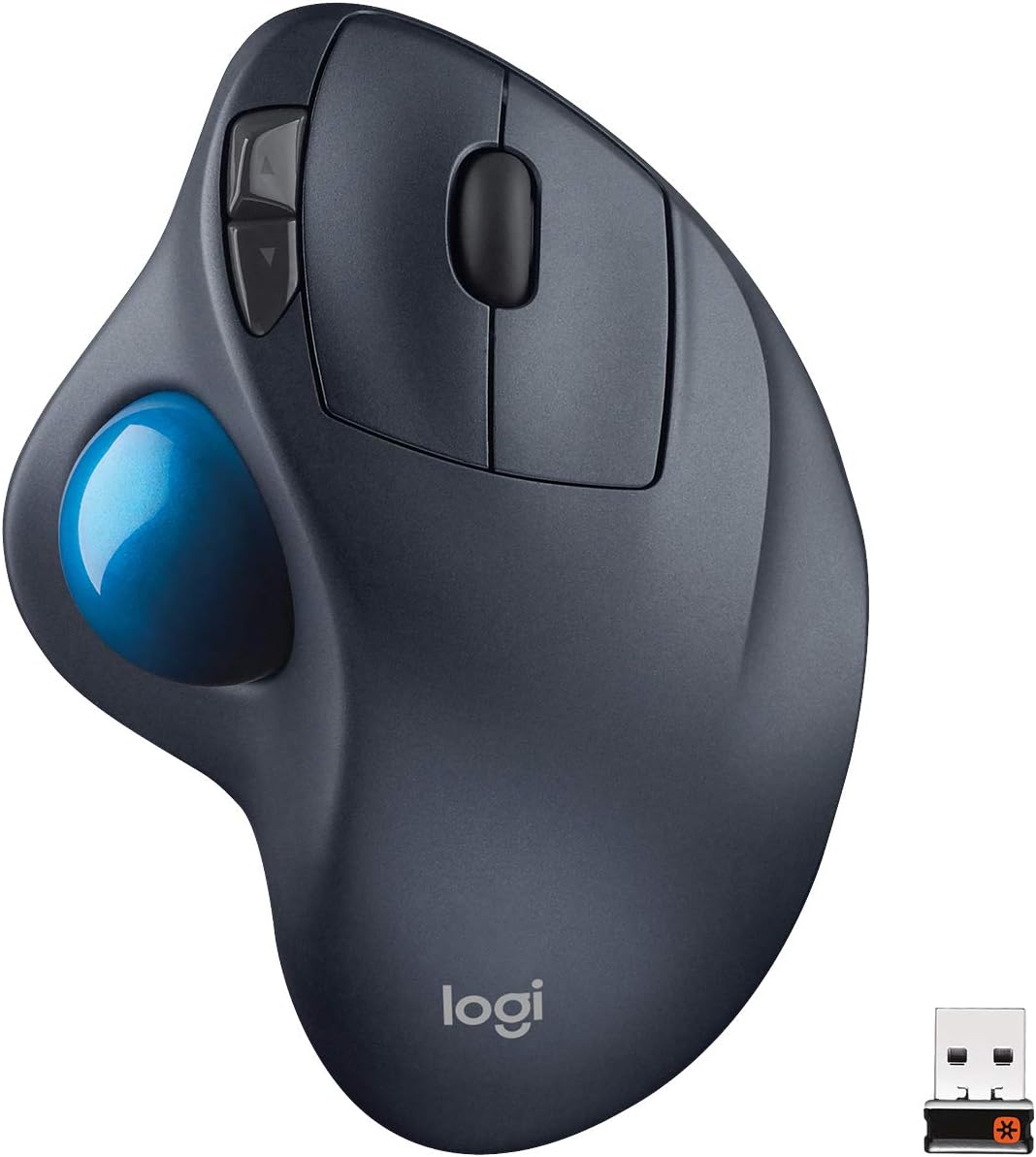
Qmouse: floating AI widget with multi models + voice-to-text

Qmouse offers a floating AI widget that integrates multiple models, voice-to-text, and customizable hotkeys for seamless AI-assisted tasks. One click reveals the AI panel; another hides it. AI helps coding, docs, study, and office work with voice input
Highlights
- integrated top AI models
- voice-to-text conversion
- customizable interaction panel
Pros
- floating AI widget with multi-model integration
- one-click to show/hide AI panel
- voice-to-text via dedicated audio key
- customizable hotkey button
- screenshot OCR support
Cons
- limited user reviews available
- no detailed feature limits provided
Best For
Features
- Floating AI models panel can be positioned and sized on screen for interactive use
- One-click to show or hide the integrated AI models for coding and reference tasks
- Voice-to-text: press the audio key to speak, release to convert to text, with optional translation
- Customizable hotkey enables single-key activation to access AI features
- Screenshot key captures the screen and opens a built-in image editor; recognized text appears on the side for copying