8BitDo Ultimate 2 Bluetooth Controller for Switch/Windows
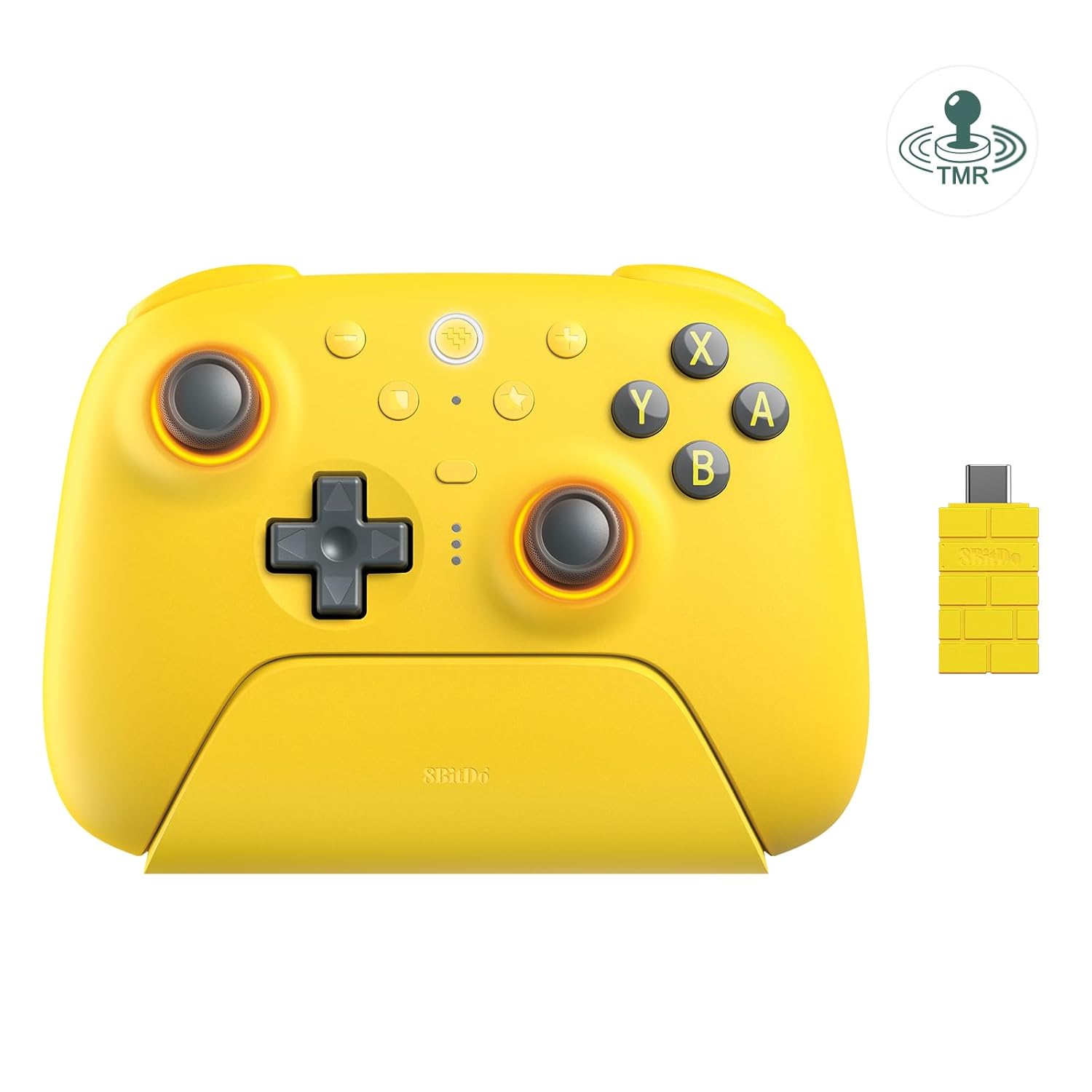
8BitDo Ultimate 2 Bluetooth controller suitable for Switch, Switch 2, and Windows with hall effect and tactile triggers. Provides motion control, RGB fire ring, and wireless connectivity for versatile gaming. Customer insight note: mentions mixed/limited feedback
Highlights
- hall effect triggers
- motion control
- multi-system compatibility
Pros
- wireless Bluetooth connection
- hall effect/tactile triggers
- motion control
- RGB lighting
- compatible with Switch, Switch 2, and Windows
Cons
- limited customer feedback mentioned
- applicable to multiple platforms may require setup steps
- no price or availability details in data
Best For
Features
- How to connect Switch 2 - 1) Navigate to Home Screen > System Settings. 2) Select Controllers and Sensors > Change Grip/Order. 3) Switch the button on the back of your controller to Bluetooth mode
- press the Home button to turn on the controller. 4) Long-press the Pair button of the controller
- the LED light will flash quickly. 5) Wait for the Switch 2 to detect the controller.
- Flagship
- fully upgraded for next-level performance. Compatible with Switch / Switch 2 & Windows - Bluetooth
- 2. 4G
- or Wired USB for Switch / Switch 2
- 2. 4G or Wired USB for Windows.