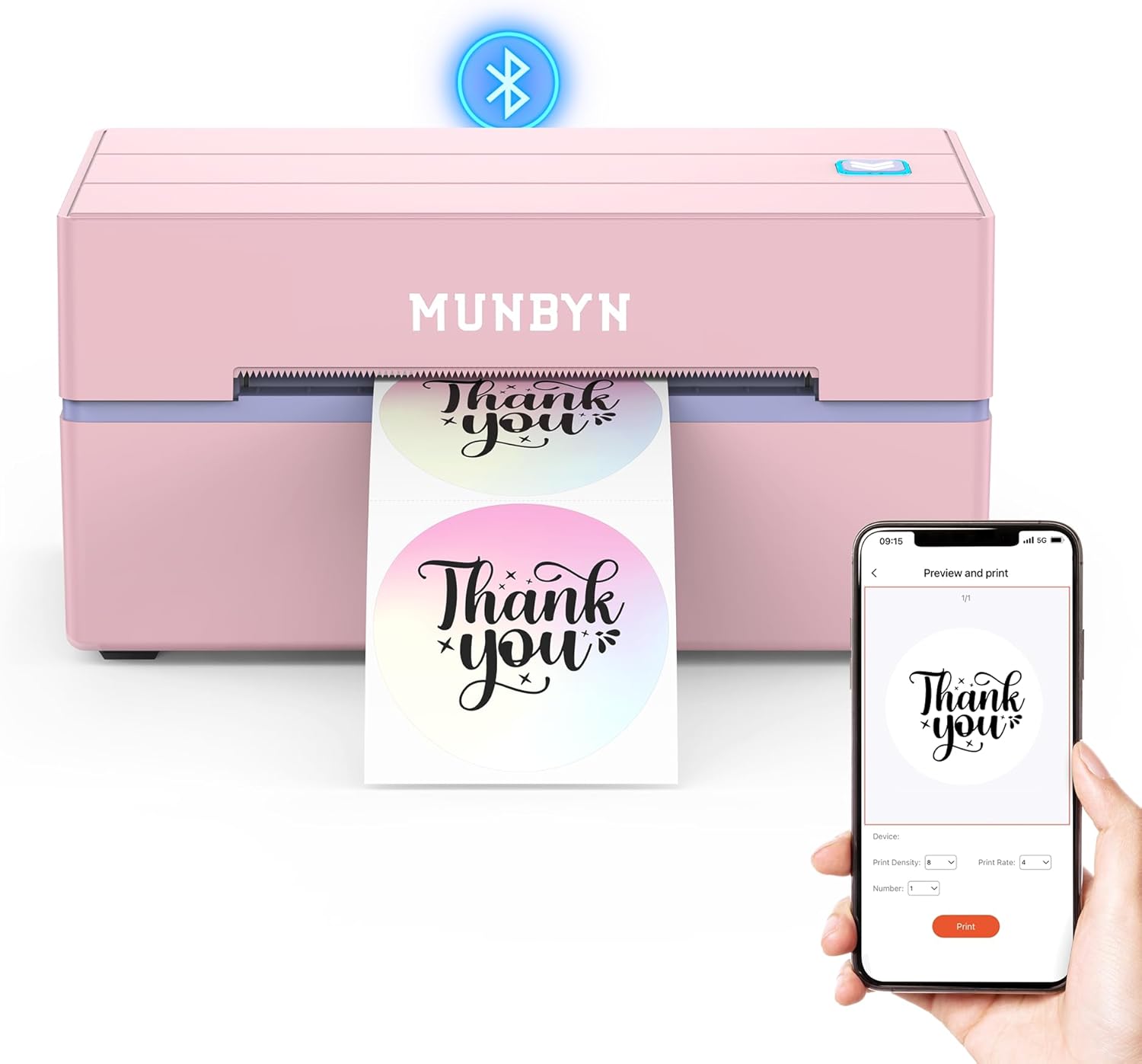
POLONO Bluetooth 4x6 Thermal Label Printer
Price tier: Premium
Check price on Amazon →

POLONO PL80E Bluetooth thermal printer for 4x6 labels, fast and clear prints up to 72 labels/min. Works with iOS, Android, Windows, Mac; compatible with Amazon, eBay, Shopify, Etsy, USPS. Customer insight: crisp labels and quick Bluetooth connectivity.
Highlights
- fast, high-quality 203 dpi prints
- Bluetooth printing via Labelnize app
- multi-platform compatibility
Pros
- high-speed 72 labels/min
- bluetooth connectivity
- works with multiple platforms (iOS, Android, Windows, Mac)
- supports various label widths (0.97"–4.25")
- high-resolution 203 dpi
Cons
- monochrome printing only
- potential setup required (face-up paper, 100x150 mm for printing)
Best For
Features
- 2025 New Version POLONO Bluetooth thermal printer offers faster and clearer printing. The PL80E Bluetooth thermal printer is a high-speed shipping label printer
- printing up to 72 labels/min for 4x6-inch labels. This thermal printer works with fanfold and roll labels (0. 97"-4. 25" width) and delivers 203 dpi high-resolution prints. An ideal choice for shipping and logistics
- this shipping label printer ensures efficient
- clear results. Note Monochrome printing only. If nothing prints on 46 labels
- make sure the paper is face up and select 100x150 mm
- Printing via Bluetooth The thermal printer supports Bluetooth printing via the "Labelnize" app. Download the app from Google Play or Apple App Store for Android and iOS 13 or above. For Windows 7+
- connect the shipping label printer via Bluetooth
- please successfully install the driver via USB before using the Bluetooth connection. Always connect the thermal printer through the app; do not connect the shipping label printer directly via Bluetooth. Note MAC OS does not support Bluetooth connection for the thermal printer