Computer Networking Modems
This category covers cable and DSL modems, gateway combos, and modem hardware for home and small-office networks, with models spanning budget through premium tiers. 38 products are indexed with an average rating of 4.24 and prices ranging from $40 to $700; top brands include NETGEAR among others
Top Products
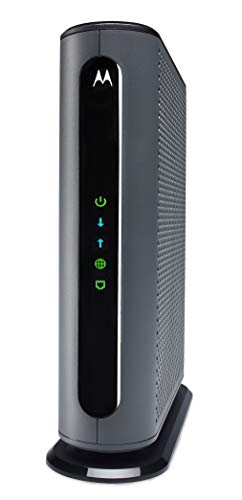
Motorola MB7621 Cable Modem for up to 900 Mbps
Motorola
Mid-Range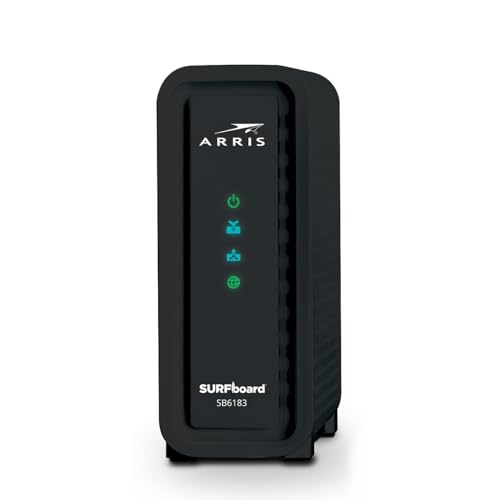
ARRIS SB6183 Cable Modem - DOCSIS 3.0 16x4 Gigabit
ARRIS
Mid-Range
ARRIS SB6183-RB Cable Modem (DOCSIS 3.0) 16x4
ARRIS
Mid-Range
NETGEAR CM500 Cable Modem (DOCSIS 3.0) for Xfinity, Cox
NETGEAR
Mid-Range
ARRIS SBG10 Cable Modem Router Combo
ARRIS
Mid-Range
NETGEAR Nighthawk AC1900 DOCSIS 3.0 Modem Router Combo
NETGEAR
Mid-Range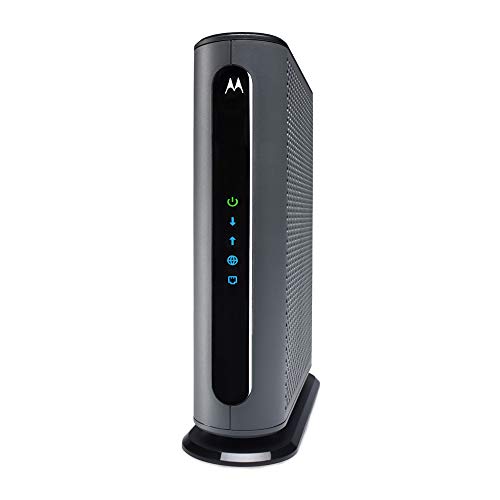
Motorola DOCSIS 3.1 multi-gig cable modem
Motorola
Premium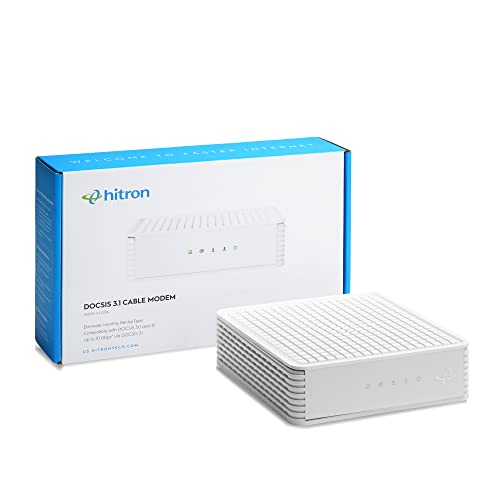
Hitron cable modem (DOCSIS 3.1) with 1 Gbps max speed
Hitron
Mid-Range
ARRIS SB8200 Cable Modem (DOCSIS 3.1) 1 Gbps
ARRIS
Premium
4G LTE USB WiFi Dongle & Mobile Hotspot Router
Spectrum Smart
Mid-Range
NETGEAR 32x8 DOCSIS 3.1 Cable Modem for Xfinity/Cox
NETGEAR
Premium
Hitron CODA56 DOCSIS 3.1 modem with 2.5 Gbps Ethernet
Hitron
Mid-Range
NETGEAR Nighthawk AX2700 Cable Modem Router
NETGEAR
Mid-Range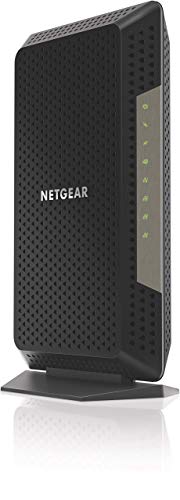
NETGEAR Nighthawk CM1200 Cable Modem (Renewed) 2 Gbps
NETGEAR
Premium
StarTech 56K USB Dial-up & Fax Modem - External
StarTech.com
Mid-Range
Hitron CODA56 Multi-Gigabit DOCSIS 3.1 Modem (2.5 Gbps) - Cable Only
Hitron
Premium
ARRIS S33-RB Cable Modem (DOCSIS 3.1) 2.5 Gbps ports, compatible with major US providers
ARRIS
Mid-Range
ARRIS SB8200-RB Cable Modem
ARRIS
Premium
NETGEAR DOCSIS 3.1 Cable Modem CM1000 (Up to 1 Gbps)
NETGEAR
Premium
Hitron CODA56 DOCSIS 3.1 Modem with 2.5 Gbps Ethernet (Renewed)
Hitron
Mid-Range
ARRIS S33 Cable Modem (DOCSIS 3.1, 2.5 Gbps) for Xfinity/Cox/Spectrum
ARRIS
Premium
Touchstone Arris CM8200A DOCSIS 3.1 Cable Modem
Touchstone
Mid-Range
D-Link 4G LTE Modem/Bridge (DWM-311-B1) for M2M
D-Link
Premium
NETGEAR Nighthawk Cable Modem CM1200 - DOCSIS 3.1 (4x1G Ethernet)
NETGEAR
PremiumRoundups
Frequently Asked Questions
How do I choose between a modem and a modem-router combo?
Choose a standalone modem if you want to pair it with a separate router for more control, better Wi‑Fi features, or future upgrades; choose a modem-router combo for simpler setup and fewer devices, keeping in mind combos can be harder to upgrade independently
Which modem specifications matter most for performance?
Key specs are DOCSIS version (DOCSIS 3.1 supports higher speeds and better network efficiency than 3.0), the maximum downstream/upstream channels or throughput, and supported internet speed tiers from your ISP; also check supported ethernet port speeds (Gigabit recommended)
Do I need a modem that’s compatible with my internet service provider?
Yes — verify that the modem is approved or compatible with your ISP and supports your purchased speed tier; compatibility lists are typically provided by the ISP and ensure the device will provision on their network
What are good budget expectations when buying a cable modem?
Cable modems in this category generally range from budget options under $50 for basic DOCSIS 3.0 units up through higher‑end DOCSIS 3.1 models averaging in the low hundreds; faster, multi-gig capable models cost more
How long do modems typically last and how should I maintain one?
Modems commonly last 3–7 years depending on usage and network changes; maintain by placing in a ventilated area, keeping firmware up to date when updates are available, and occasionally power-cycling to resolve transient issues
Can I use my own modem instead of renting from my ISP, and does it save money?
You can often use a compatible third-party modem instead of renting, which may save monthly rental fees over time; confirm compatibility with your ISP and that the modem supports your subscribed speed before purchasing
What security and privacy features should I look for in a modem?
Look for modems that receive firmware updates from the manufacturer, support up‑to‑date encryption standards if they include routing features, and allow disabling unused services; for combos, use a separate firewall-capable router for more granular security controls