Computer Networking Wireless Access Points
This category covers wireless access points and related hardware for home and enterprise networks, including indoor/outdoor and mesh-capable units. About 206 products are indexed, with an average rating of 4.48 and price tiers from budget to premium (average ~(price varies)); common brands include TP-Link and Ubiquiti Networks
Top Products

TP-Link Omada Outdoor Access Point EAP225-Outdoor
TP-Link
Mid-Range
TP-Link EAP225 Omada AC1350 Wireless AP
TP-Link
Mid-Range
TP-Link EAP610 Omada WiFi 6 AX1800 Access Point
TP-Link
Mid-Range
Ubiquiti UniFi 802.11ac Dual-Radio PRO Access Point (UAP-AC-PRO-US)
Ubiquiti Networks
Mid-Range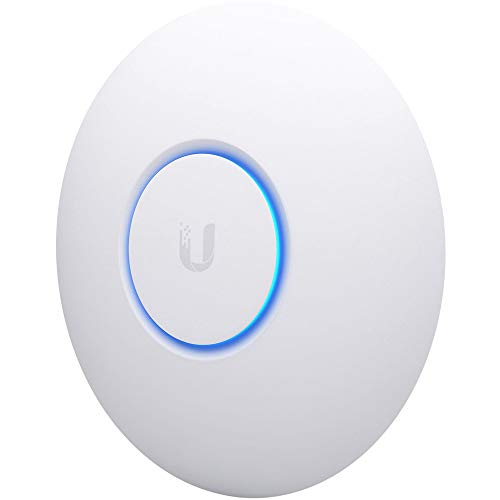
Ubiquiti UniFi nanoHD Enterprise AP (UAP-NANOHD-US)
Ubiquiti Networks
Mid-Range
TP-Link EAP650 Ultra-Slim Wireless Access Point
TP-Link
Mid-Range
TP-Link EAP110-Outdoor N300 Wireless AP (V3) with PoE
TP-Link
Mid-Range
TP-Link AC1200 Wireless Gigabit Access Point
TP-Link
Mid-Range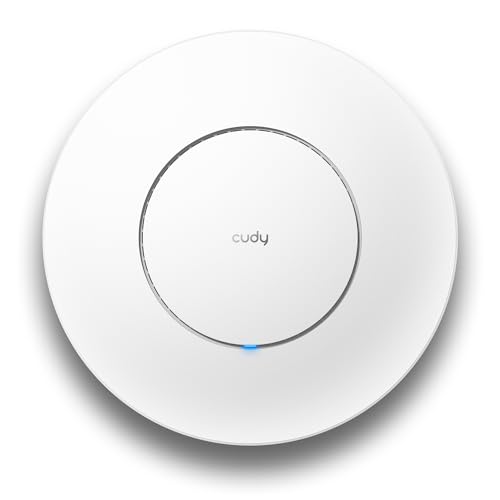
Cudy AP1300 AC1200 Wireless Access Point
Cudy
Mid-Range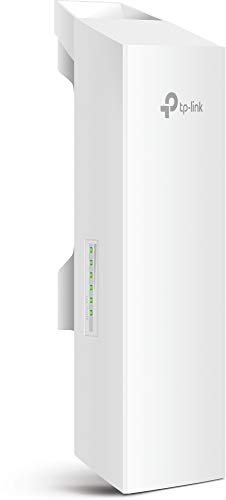
TP-Link 2.4GHz N300 Outdoor CPE for PtP/ PtMP
TP-Link
Mid-Range
TP-Link Omada WiFi 7 AP (BE5000) Dual Band
TP-Link
Mid-Range
Ubiquiti UniFi UAP-AC-PRO access point
Ubiquiti Networks
Mid-Range
TP-Link EAP235-Wall Omada In-Wall AP (AC1200) with PoE
TP-Link
Mid-Range
Universal Wireless Bridge Bracket Mount 12" (2-Pack)
eoqo
Budget
Universal Wireless Bridge Bracket Mount, 12" H
eoqo
Mid-Range
TP-Link EAP613 Wireless Access Point (Omada) – Wi-Fi 6 AX1800
TP-Link
Mid-Range
TP-Link CPE710 5GHz outdoor PtP/ PtMP CPE
TP-Link
Mid-Range
Wireless Bridge Bracket Mount 12" H 1.38" Rod for Yagi Antennas
eoqo
Mid-Range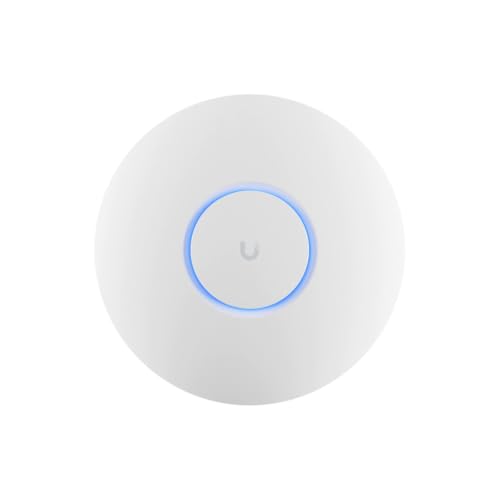
U6+ AP WiFi6 with PoE 1xGbE 2x2 Dual
Ubiquiti Networks
Mid-Range
Ubiquiti U6+ Dual Band Wireless Access Point
Ubiquiti Networks
Mid-Range
TP-Link EAP670 V2 Omada WiFi 6 Access Point
TP-Link
Mid-Range
TP-Link EAP615-Wall Omada WiFi 6 AX1800 In-Wall AP
TP-Link
Mid-Range
Universal Wireless Bridge Bracket Mount 4-Pack
KORYCE
Budget
Ubiquiti WiFi 6 Pro access point
Ubiquiti Networks
Mid-RangeRoundups
Frequently Asked Questions
How do I choose the right wireless access point for my home or small office?
Pick an AP based on required Wi‑Fi standard (Wi‑Fi 5/802.11ac or Wi‑Fi 6/802.11ax), coverage area, concurrent device count, and whether you need features like MU‑MIMO, beamforming, or PoE for easier installation; match throughput and antenna/placement to your internet plan and building layout
What is the difference between a wireless access point and a wireless router?
A wireless router combines routing, network address translation (NAT), DHCP, and Wi‑Fi in one device, while an access point provides only wireless connectivity and typically requires a separate router/switch for IP management; APs are used to extend or add Wi‑Fi coverage in larger or managed networks
Are enterprise-class features like PoE, VLANs, and controller management necessary for consumers?
They are not necessary for basic home use, but PoE simplifies placement by carrying power over Ethernet, VLANs help segment traffic for security or QoS, and controller or cloud management is useful if you plan multiple APs or need centralized monitoring and advanced policies
How much should I expect to spend and what do price ranges mean?
Entry-level consumer APs and basic mesh units commonly appear under $100, midrange business/advanced consumer APs typically fall between roughly $100–$300, and higher‑end or multi‑radio enterprise APs can be above that; choose based on needed throughput, radios, and management features rather than price alone
What wireless bands and speeds should I look for?
Look for dual‑band (2.4 GHz and 5 GHz) at minimum; tri‑band or multi‑radio APs improve capacity for many devices. Check the combined throughput rating for an estimate of performance, but real speeds depend on environment, client capability, and network backhaul (wired connection speed)
How do I size and place access points to avoid dead zones?
Estimate coverage by considering building materials, floor plan, and number of clients; place APs centrally in coverage areas, avoid obstructions and interference sources, and use site surveys or apps to measure signal strength; for larger homes or offices, deploy multiple APs with proper channel planning or a managed mesh
What maintenance and security practices should I follow for access points?
Keep firmware updated, change default admin credentials, use WPA3 or WPA2‑AES encryption when available, disable unused services, monitor logs or management dashboards, and periodically review connected devices and network segmentation to reduce attack surface