DVI Cables
DVI Cables for connecting video sources to displays, including single-link and dual-link DVI, adapters, and extension leads for desktop and AV setups. The 16 indexed products average a 4.55 rating and span mid-range pricing ($34–$99), with brands like StarTech and Cable Matters represented
Top Products

DVI Dual Link Cable with Ferrites – 35ft
Cable Matters
Budget
Cable Matters DVI-D Dual Link Cable with Ferrites, 50ft
Cable Matters
Mid-Range
DisplayPort to DVI cable bundle, 6 ft, gold-plated plugs
Amazon Basics
Mid-Range
Mini DisplayPort to DVI Cable 10ft (3m) mDP to DVI-D
StarTech
Budget
DVI-D to DVI-D 6 ft Cable 10-Pack, Male to Male, Black
URELEGAN
Mid-Range
DVI to DVI Cable 50Ft Nylon Braided 24+1 Dual Link Gold Plated
Jelly Tang
Budget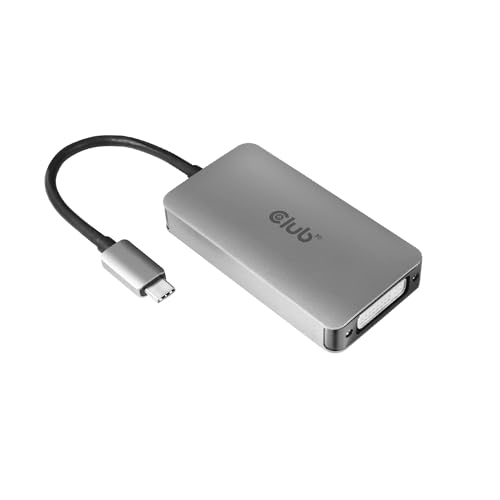
USB-C to DVI-D dual-link adapter for Apple cinema displays
Club 3D
Mid-Range
DVI-D to DVI-D Cable 65ft Nylon Braided Dual Link Gold
Jelly Tang
Mid-Range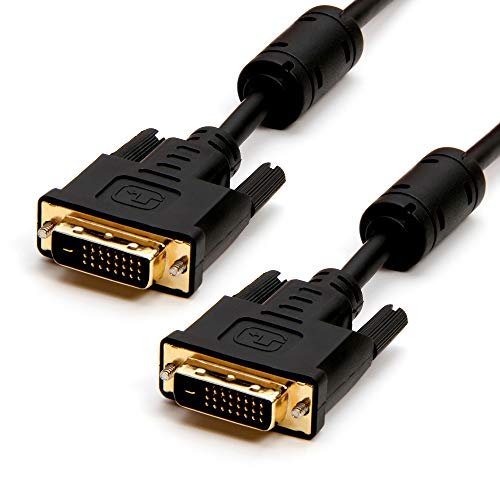
DVI to DVI Dual Link Cable 50ft - Cmple
Cmple
Mid-Range
DisplayPort to DVI Cable, male-to-male, 10 ft, C2G 54330
C2G
Budget
DisplayPort to DVI cable, 15 ft, 2-pack (C&E)
C&E
Budget
StarTech 6ft DisplayPort to DVI Cable (DP to DVI-D)
StarTech
Budget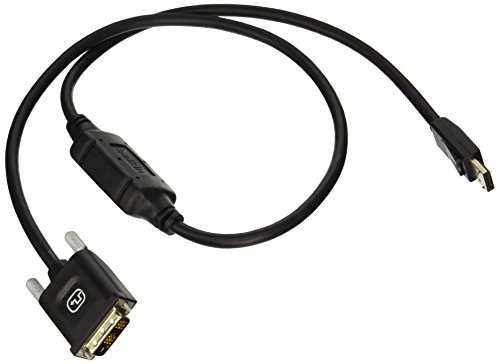
Belkin DisplayPort to DVI-D Cable (3 ft) - black
Belkin
Mid-Range
DVI DDC / EDID Ghost Emulator Eco-Kit
ConnectPRO
Mid-Range
Ducky One 3 Mini 60% Mechanical Keyboard
Ducky
Mid-Range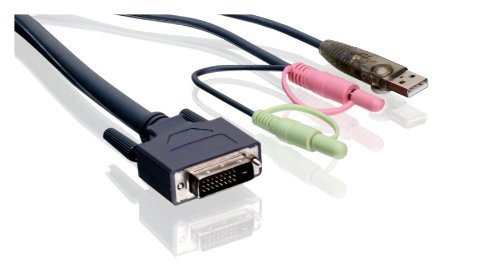
IOGEAR Dual-Link DVI KVM Cable (10 ft) with USB & Audio
IOGEAR
Mid-RangeRoundups
Frequently Asked Questions
How do I choose the right DVI cable for my monitor and graphics card?
Match the DVI connector types on both devices (DVI-I, DVI-D single-link, DVI-D dual-link). For resolutions up to 1920x1200 a single-link DVI-D is usually sufficient; for higher resolutions or multi-monitor setups choose dual-link. Also confirm whether you need an analog connection (DVI-I) or digital only (DVI-D)
What's the difference between single-link and dual-link DVI?
Single-link DVI transmits fewer data lanes and supports resolutions typically up to 1920x1200; dual-link adds additional data lanes to support higher resolutions and refresh rates, such as 2560x1600. Dual-link cables and ports are visibly different by having more pins
Can I use a DVI cable for audio or do I need a separate cable?
DVI carries only video (digital and sometimes analog depending on type) and does not transmit audio, so you will need a separate audio cable or a different video interface (like HDMI or DisplayPort) if audio over the same cable is required
Are expensive DVI cables worth it for image quality?
For digital DVI-D connections, any cable that meets the correct link type (single vs dual) and is not damaged should deliver identical image quality; more expensive cables may offer better shielding, build quality, or longer lengths but typically don't improve video fidelity on short runs
What cable length is safe without degrading signal quality?
For single-link DVI, keep lengths under about 5 meters (16 feet) for reliable high-resolution signals; dual-link can be more sensitive, so shorter lengths are preferable for very high resolutions. For longer runs consider active DVI extenders or switch to DisplayPort/HDMI solutions
Do I need a DVI-to-HDMI or DVI-to-DisplayPort adapter?
An adapter is needed when one device supports only a different digital interface; passive DVI-to-HDMI adapters work for video-only connections because both use compatible digital signals, but converting to DisplayPort usually requires an active adapter since DisplayPort is not directly compatible
How should I care for and install a DVI cable to avoid damage?
Avoid bending or kinking the cable, secure screws on the connectors without over-tightening, and keep connectors clean and dry. Store cables coiled loosely and replace them if pins are bent, connectors are loose, or the shielding is damaged