DVI-HDMI Adapters
DVI–HDMI adapters convert between DVI and HDMI video interfaces for monitors, projectors, and graphics cards, including passive adapters and active signal converters. The category spans budget to mid‑range options (average price about (price varies)) with brands like Plugable represented
Top Products

DisplayPort to HDMI Adapter 10-Pack
UKYEE
Mid-Range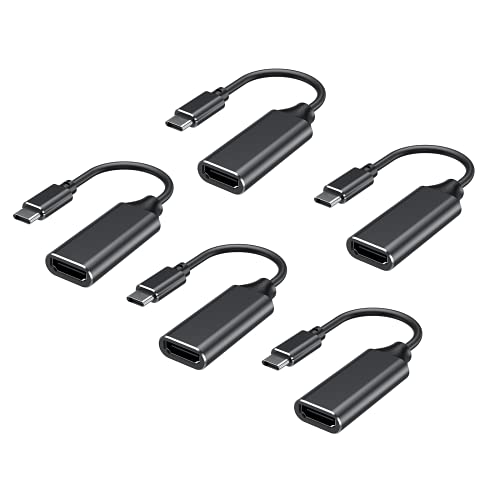
RayCue USB-C to HDMI Adapter 4K (5 Pack) for Mac/Android
RayCue
Budget
Anker USB-C to DisplayPort Adapter (8K@60Hz / 4K@144Hz) USB-C to DP 1.4
Anker
Budget
LENTION USB-C to HDMI 2.0 Cable 10ft, 4K@60Hz
LENTION
Budget
USB-C to HDMI Adapter with 60W pass-through charging
Belkin
Budget
HDMI EDID emulator passthrough dongle, 2-pack
Evanlak
Budget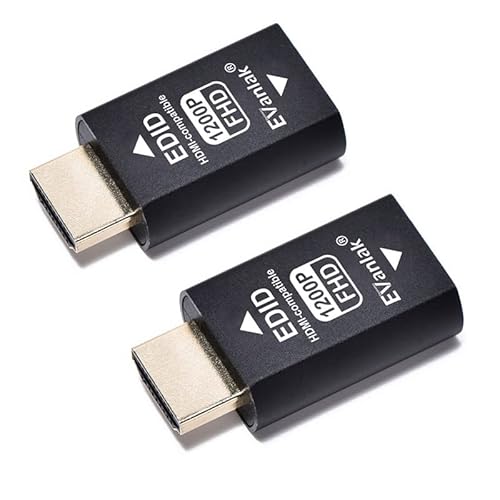
HDMI EDID emulator passthrough dongle 2-pack
Evanlak
Budget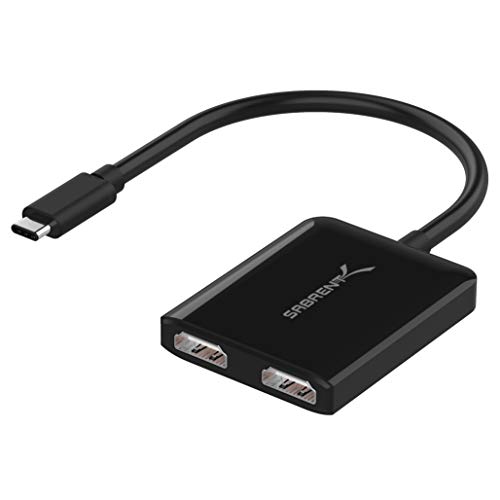
SABRENT USB-C Dual HDMI Adapter DA-UCDH
SABRENT
Budget
Cable Matters USB 3.0 to HDMI adapter (Windows) 1440p
Cable Matters
Mid-Range
OREI HDMI Extender UltraHD over Cat6/Cat7 (4K@60Hz, HDR, IR, EDID) up to 164ft
OREI
Mid-Range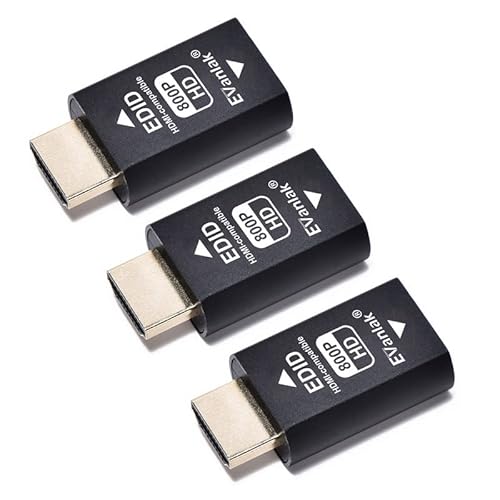
HDMI EDID emulator passthrough dongle 3rd gen
Evanlak
Mid-Range
4K USB-C/USB-A to dual HDMI splitter for Windows & Mac
Minthouz
Mid-Range
Cable Matters 25-Pack 180° RJ45 Keystone Jack (Tool Free)
Cable Matters
Mid-Range
DisplayPort to HDMI Adapter 4K 60Hz Active DP1.4 to HDMI 2.0
StarTech.com
Mid-Range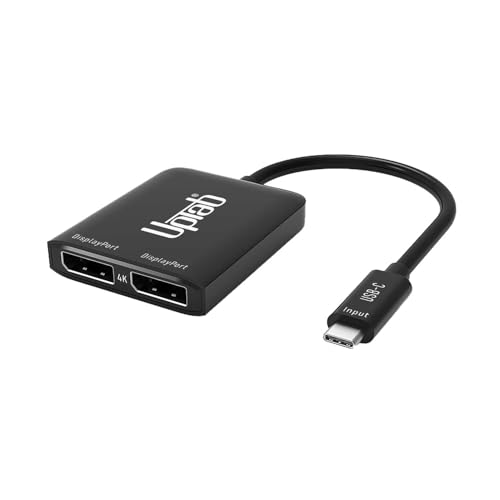
USB C to Dual DisplayPort Hub for extended 4K/8K displays
UPTab
Budget
Plugable USB 3.0 to DisplayPort 4K USB Display Adapter
Plugable
Mid-Range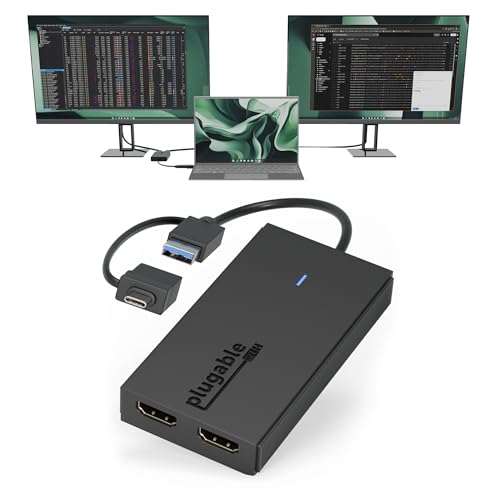
Plugable Dual Monitor Adapter for M1–M4 macOS & Windows
Plugable
Mid-Range
USB 3.0 to HDMI Adapter with DisplayLink
CableCreation
Mid-Range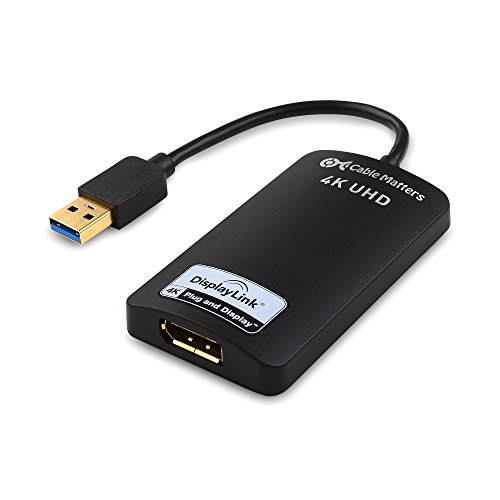
Cable Matters USB to DisplayPort Adapter
Cable Matters
Mid-Range
fairikabe USB 3.0 to Dual HDMI Adapter (4K@30Hz) for 2 Monitors
fairikabe
Mid-Range
Plugable dual 4K USB display adapter (DP/HDMI) for Windows & ChromeOS
Plugable
Mid-Range
DisplayPort Cable 1ft 10-Pack, DP to DP Cable 1ft
UKYEE
Mid-Range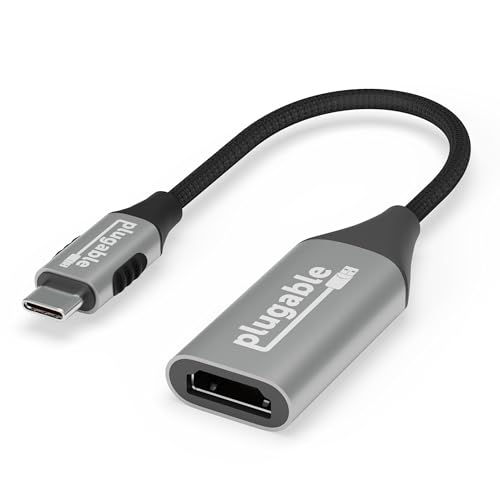
Plugable USB C to HDMI Adapter (HDMI 2.1, 8K/4K) USB4 compatible
Plugable
Budget
SIIG 2-Port Mini DisplayPort MST Hub (DP 1.2) to 2 DP Outputs
SIIG
Mid-RangeRoundups
Frequently Asked Questions
How do I choose between a passive DVI-to-HDMI adapter and an active converter?
Choose a passive adapter if you only need to pass digital video between DVI-D and HDMI devices at matching resolutions and the source supports HDMI signals over the DVI port; use an active converter when you need signal conversion (e.g., DVI-A or DVI-I analog to HDMI digital), longer cable runs, or when audio must be embedded from a separate source
Will a DVI-to-HDMI adapter carry audio as well as video?
Most DVI ports transmit only video; passive DVI-to-HDMI adapters carry audio only if the source outputs audio over the DVI connector (which is uncommon). If you need audio, look for an active converter or a solution that explicitly embeds audio into the HDMI signal
What resolution and refresh rates should I check before buying an adapter?
Check that the adapter and cables support your target resolution and refresh rate (e.g., 1080p at 60 Hz, 1440p, or 4K); many adapters support up to 1080p or 1920x1200, while higher-resolution support requires DVI-D Dual-Link or active conversion and compatible source and display
Are DVI-to-HDMI adapters compatible with HDCP or copy-protected content?
Compatibility with HDCP depends on both the source and the adapter/converter; some passive adapters pass HDCP when present on the source, while some older or cheaper converters may not, so verify HDCP support if you plan to play protected video content
What connector types and cable lengths should I consider?
Confirm whether you need DVI-D, DVI-I, or DVI-A to match the source, and choose cable lengths appropriate for the run—shorter digital cable runs reduce the chance of signal loss; for longer runs consider active converters or higher-quality, shielded cables
Can I use a DVI-to-HDMI adapter for gaming or high-refresh displays?
You can if the adapter, cable, and DVI port support the desired refresh rate and resolution; for high-refresh gaming (120 Hz or above) or ultra-high resolutions, ensure the adapter supports Dual-Link DVI or an active conversion that maintains bandwidth
How do I care for and troubleshoot a DVI-to-HDMI adapter?
Handle connectors gently, keep pins clean and undamaged, and avoid tight cable bends; if you see no signal, check that connectors are fully seated, try different cables or ports, verify resolution/refresh settings, and test with another device to isolate the issue