Internal Computer Networking Cards
Internal Computer Networking Cards include PCIe and add-in adapters for Ethernet, fiber, and 10Gb+ connectivity used in desktops and servers. The category spans budget through premium options (279 products, average rating 4.55) with brands like Intel commonly represented
Top Products
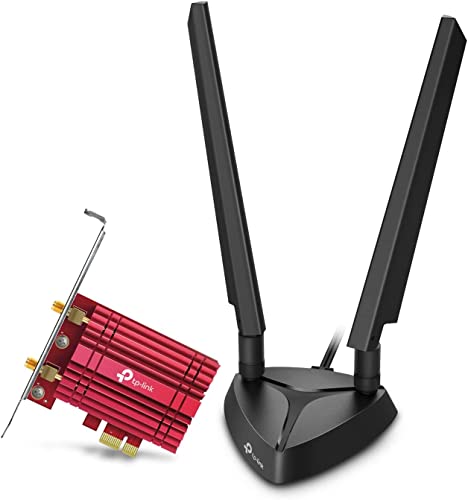
TP-Link WiFi 6E PCIe Card with Bluetooth 5.3
TP-Link
Mid-Range
TP-Link PCIe WiFi 6 Card Archer TX55E with Bluetooth 5.2
TP-Link
Mid-Range
GIGABYTE WiFi 6E GC-WBAX210 PCIe Card
GIGABYTE
Mid-Range
WiFi 7 PCIe Card with BE200 | 9.3Gbps, BT 5.4, 4K QAM, 320MHz
OKN
Mid-Range
TP-Link WiFi 6E PCIe Card with Intel AX210 (Archer TXE72E)
TP-Link
Mid-Range
TP-Link 10Gb PCIe Network Card TX401
TP-Link
Mid-Range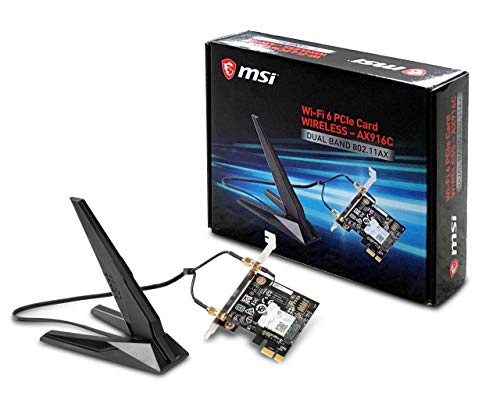
MSI AX200 WiFi 6 PCIe Network Adapter
msi
Budget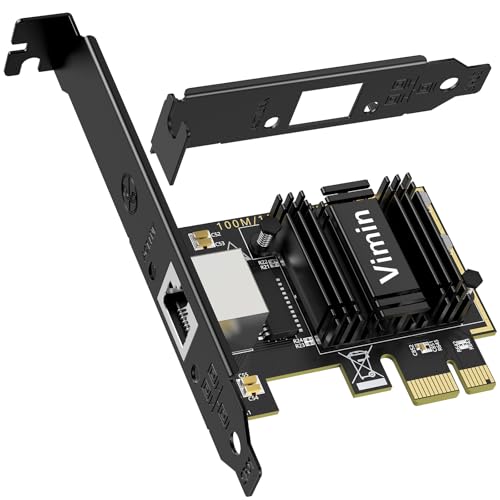
5G PCIe Network Card with RTL8126 (RJ45) for Windows, VMware, Linux
VIMIN
Budget
AX411 WiFi 6E CNVio2 M.2 Card
HighZer0 Electronics
Budget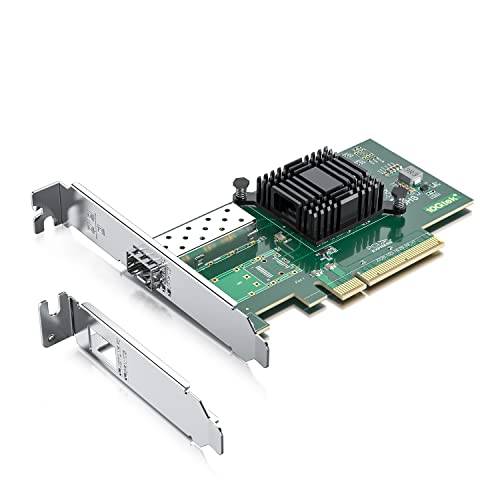
10Gtek 10Gb PCI-E NIC with Single SFP+ Port (Intel 82599EN)
10Gtek
Mid-Range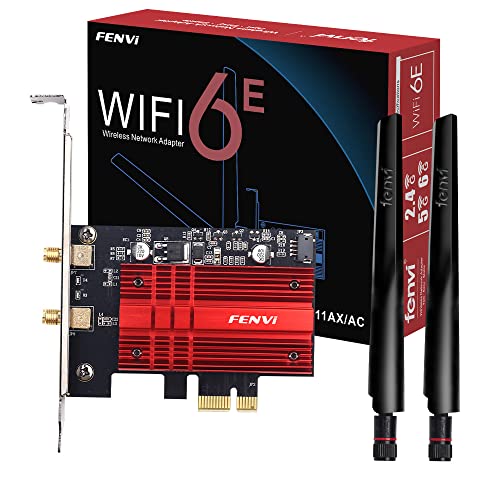
WiFi 6E AX210 PCIe Card with BT 5.3, 6GHz/5GHz/2.4GHz, 5400Mbps
F FENVI
Budget
NICGIGA 5Gbe PCIe Ethernet Adapter with RTL8126
NICGIGA
Budget
BE200 WiFi 7 Card for M.2 PCIe (Tri-Band) with Bluetooth 5.4
HighZer0 Electronics
Budget
WiFi 6E PCIe Card AX210 AXE5400 for Desktop
F FENVI
Mid-Range
H!Fiber 10Gb PCIe NIC – Dual RJ45, X8, Intel X540-BT2
H!Fiber.com
Mid-Range
Intel I210-T1 Network Adapter E0X95AA
Intel
Mid-Range
H!Fiber 10Gb SFP+ PCIe NIC with Broadcom BCM57810S
H!Fiber.com
Mid-Range
10Gtek 10Gb PCIe NIC with Broadcom BCM57810S, Dual SFP+
10Gtek
Mid-Range
VIMIN 10G SFP PCIe Network Card with Intel 82599 Controller
VIMIN
Budget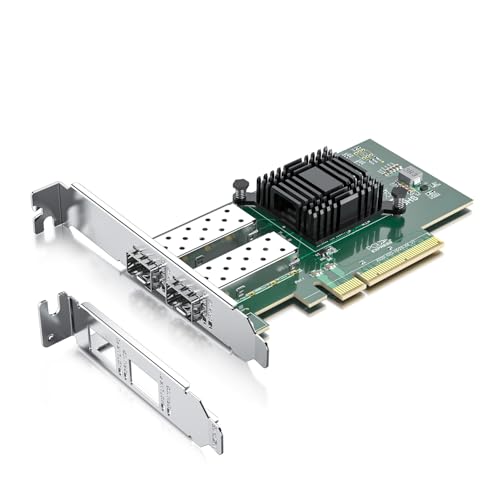
H!Fiber 10Gb SFP+ PCIe Network Card with Intel 82599ES
H!Fiber.com
Mid-Range
TP-Link WiFi 7 BE9300 PCIe Card with Bluetooth 5.4
TP-Link
Mid-Range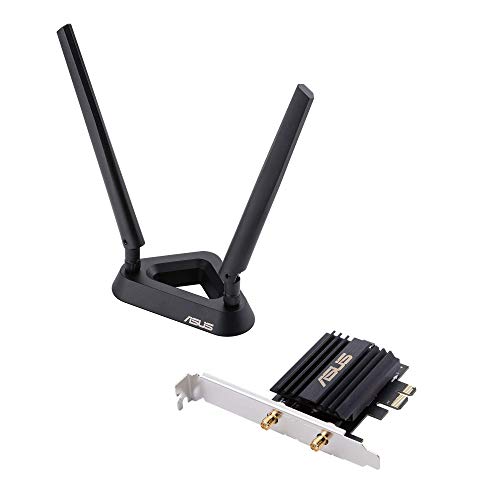
ASUS AX3000 WiFi 6 PCIe Adapter with Bluetooth 5.0
ASUS
Mid-Range
ipolex 1.25G NIC with Intel I350AM2, Dual RJ45, PCI-E
ipolex
Budget
2-Port 2.5G PCIe Network Adapter with RTL8125B
Binardat
BudgetRoundups
Frequently Asked Questions
How do I choose the right internal network card (NIC) for my computer?
Match the NIC interface to your motherboard (PCIe x1/x4/x8/x16) and choose the network speed you need (1GbE, 2.5GbE, 5GbE, 10GbE). Check operating system and driver support, required form factor (full-height vs low-profile), and whether you need features like VLAN tagging, offload, or SFP/SFP+ ports
What network speeds and ports should I prioritize?
Select speed based on your network infrastructure and workload: 1GbE for typical home/office use, 2.5–5GbE for improved local transfer performance, and 10GbE for high-throughput or server tasks. Choose copper (RJ45) for simple Ethernet or SFP/SFP+ for fiber or direct-attach use
Are there compatibility or driver issues I should be aware of?
Verify NIC chipset compatibility with your operating system (Windows, Linux, macOS) and look for vendor-provided drivers or mainline kernel support. For older systems, confirm BIOS/UEFI and slot bandwidth support to avoid performance bottlenecks
How much should I expect to spend on an internal NIC?
Prices vary by speed and features: basic 1GbE adapters are typically under $50, multi-gig or specialized 2.5–5GbE adapters fall in a midrange, and 10GbE cards with SFP+/RJ45 or advanced offload features commonly cost more, with typical market averages around the low hundreds
Do I need special cooling or power for high-speed NICs?
High-speed NICs (10GbE and above) can generate more heat and may require adequate case airflow; some models include heatsinks. Ensure your PSU and motherboard provide sufficient power and that the PCIe slot offers required lane bandwidth to prevent thermal throttling or reduced link rates
Can I use multiple NICs together and what features support that?
Yes; motherboards with multiple PCIe slots or multi-port NICs let you add links. Look for support for link aggregation (LACP), bonding, and NIC teaming in your OS or switch to combine bandwidth or provide failover
How do I maintain and update an internal NIC after purchase?
Keep firmware and drivers updated from the vendor or OS distribution, maintain good case airflow and clean dust from heatsinks, and periodically verify link performance and error counters via OS network tools to detect cable or hardware issues early