Internal Solid State Drives
Internal solid state drives (SSDs) for desktops and laptops, including SATA and NVMe form factors for OS, storage, and performance upgrades. The category covers budget through premium options across brands like Crucial and Samsung, with 420 products averaging a 4.60 rating and an average price near (price varies)
Top Products

Kingston A400 SATA SSD 480GB 2.5" Internal SA400S37/480G
Kingston
Mid-Range
Crucial BX500 480GB SATA SSD
Crucial
Mid-Range
Crucial BX500 240GB SSD 2.5-Inch SATA
Crucial
Mid-Range
WD Green 480GB SATA SSD 2.5" 7mm
Western Digital
Mid-Range
Kingston 960GB A400 SATA3 2.5" SSD
Kingston
Mid-Range
SK hynix Gold P31 500GB PCIe NVMe M.2 SSD
SK hynix
Mid-Range
WD Green 240GB SSD – SATA/M.2, 545 MB/s
Western Digital
Budget
SAMSUNG 870 EVO 500GB SATA SSD 2.5" Internal Drive
Samsung
Mid-Range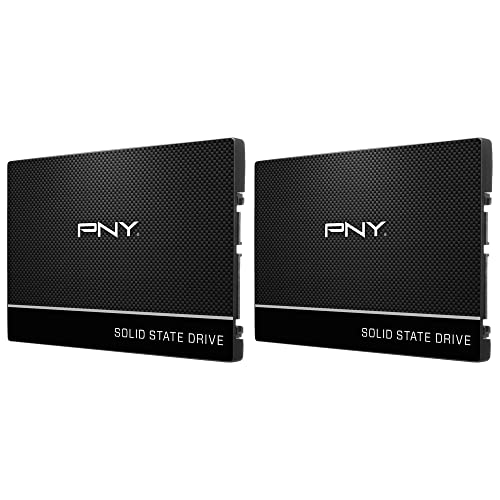
PNY CS900 250GB Dual Pack SATA III SSD
PNY
Budget
SAMSUNG 970 EVO Plus 250GB NVMe M.2 SSD
Samsung
Mid-Range
Crucial BX500 1TB SSD 2.5" internal
Crucial
Mid-Range
PNY CS900 500GB 2.5" SATA III SSD
PNY
Budget
Samsung 870 EVO 1TB SATA III SSD 2.5" Internal Drive
Samsung
Mid-Range
Crucial P310 500GB PCIe Gen4 NVMe SSD M.2 2280
Crucial
Mid-Range
WD Green 120GB SATA III 2.5" SSD
Western Digital
Mid-Range
WD Green 240GB SATA III SSD
Western Digital
Budget
ADATA SU650 1TB SATA SSD 2.5" internal
ADATA
Mid-Range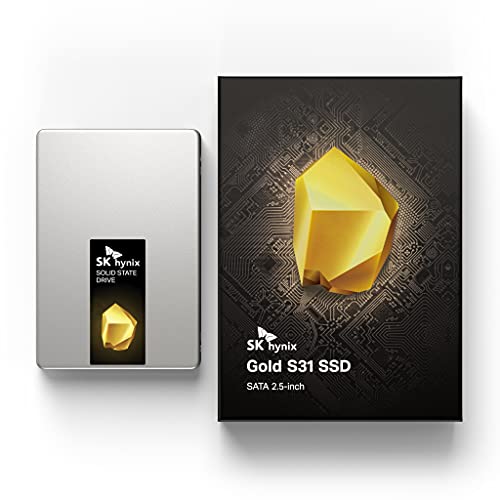
SK Hynix Gold S31 500GB SATA SSD 2.5 inch
SK Hynix
Mid-Range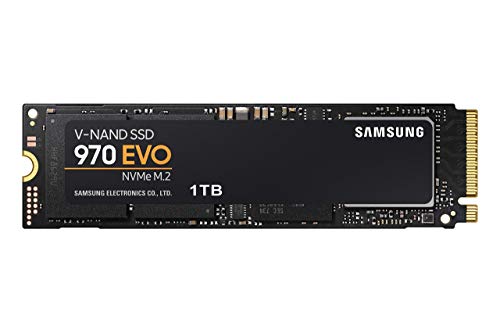
SAMSUNG 970 EVO 1TB NVMe M.2 SSD
SAMSUNG
Mid-Range
Kingston NV2 1TB NVMe SSD
Kingston
Mid-Range
TEAMGROUP 512GB NVMe M.2 SSD with SLC cache
TEAMGROUP
Mid-Range
fanxiang 500GB SATA III 2.5" SSD
fanxiang
Budget
SP Silicon Power 256GB NVMe M.2 SSD
SP Silicon Power
Mid-Range
WD_BLACK 1TB SN850X NVMe SSD (Gen4 PCIe) M.2 2280
WD_BLACK
Mid-RangeRoundups
- Best Internal Solid State Drives for System Boot Drive (2026)
- Best Internal Solid State Drives for Laptop Upgrade (2026)
- Best Internal Solid State Drives Under $200 (2026)
- Best Internal Solid State Drives Under $100 (2026)
- Best Internal Solid State Drives Under $50 (2026)
- Best Internal Solid State Drives (2026 Guide)
Frequently Asked Questions
How do I choose the right capacity for an internal SSD?
Choose capacity based on use: 250–512 GB for OS and essential apps, 1–2 TB for gamers and creative workloads with large files, and 4 TB+ for heavy media storage or professional projects. Also consider future needs and whether you'll keep large file archives on the drive or on external/cloud storage
What interface and form factor should I look for (SATA vs NVMe, 2.5" vs M.2)?
Match the SSD interface and form factor to your motherboard: SATA drives (2.5") fit most older systems and are slower than NVMe; NVMe drives use M.2 slots and offer much higher transfer speeds but require an M.2 PCIe-compatible slot. Check your system manual for supported interfaces and physical space
How important are performance specs like sequential read/write and IOPS?
Sequential read/write speeds indicate large-file transfer performance, important for video editing and large installs; IOPS and latency affect responsiveness for many small file operations, important for boot times and application load. For general use, look for modern NVMe or SATA SSDs with substantially better specs than HDDs; heavier workloads benefit more from higher-rated drives
What endurance and warranty metrics should I compare?
Compare TBW (terabytes written) or DWPD (drive writes per day) to assess endurance—higher values mean the drive tolerates more writes over its life. Also check the manufacturer's warranty length (commonly 3–5 years) and whether it covers limited TBW thresholds, as both indicate expected lifespan under typical use
Do I need to consider heat and cooling for an internal SSD?
High-performance NVMe SSDs can run hot under sustained load; ensure your case/motherboard provides airflow or consider models with heatsinks or add an M.2 heatsink. SATA 2.5" SSDs typically run cooler and rarely require additional cooling
Are there compatibility or installation steps I should know before buying?
Verify your system has the correct slot (M.2 PCIe/SATA or 2.5" bay with SATA cable), confirm physical dimensions (M.2 lengths like 2280), update your BIOS if needed, and back up data before cloning or installing. For M.2 NVMe drives, ensure the slot supports NVMe vs. only SATA-over-M.2
How can I maintain performance and prolong the life of an SSD?
Enable TRIM in your OS, avoid filling the drive to capacity (leave 10–20% free), keep firmware updated, and limit unnecessary write-heavy tasks; these practices help maintain performance and align with the drive's endurance specifications