Laptop Mounts
Laptop mounts for desks, desks-to-wall, arms, and portable stands that secure and position laptops for ergonomic use and space-saving setups. The category includes 34 indexed products averaging a 4.31 rating, with prices ranging from $34 to $438 and brands like RAM Mounts represented
Top Products
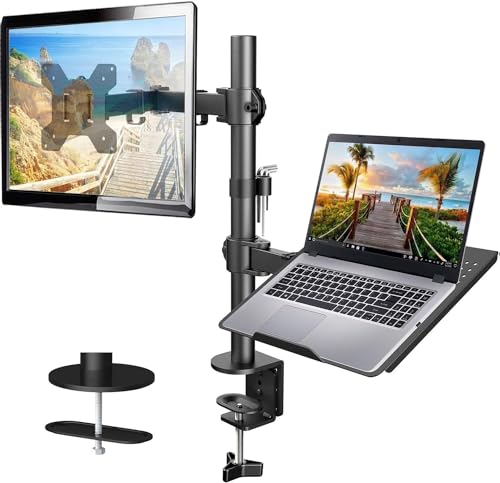
HUANUO adjustable monitor stand with single arm desk mount
HUANUO
Mid-Range
Redbat monitor and laptop mount stand
Redbat
Budget
WALI Laptop Tray Desk Mount for 10-15.6 inches / 17-32 inch monitor
WALI
Mid-Range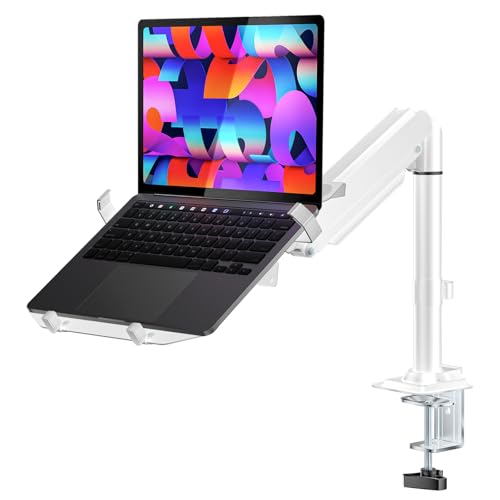
WALI Laptop Tray Desk Mount, 2-in-1 Gas Spring Arm
WALI
Mid-Range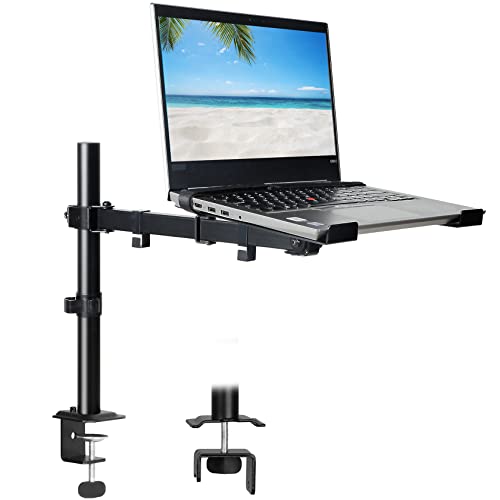
Laptop desk mount with ventilated tray for 17" laptop or 32" monitor
UPGRAVITY
Budget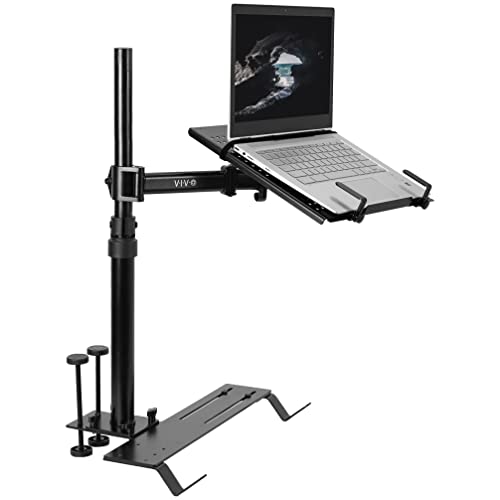
VIVO Laptop Car Mount with Adjustable Extension
VIVO
Mid-Range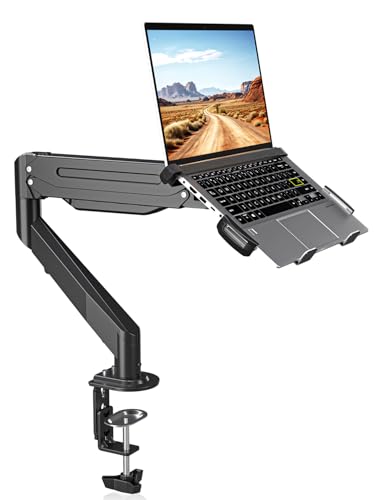
suptek Laptop Desk Mount for 11-17" laptops and 17-32" monitors
suptek
Mid-Range
Monitor and Laptop Mount with Vented Tray (13"-27" screens, up to 17" laptops)
UPGRAVITY
Budget
Mount-It! Laptop Pole Mount Tray
Mount-It!
Mid-Range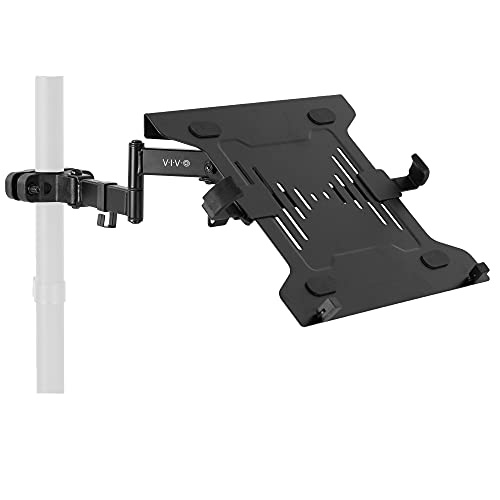
VIVO Universal Full Motion Laptop Arm with VESA Plate, 10–15.6"
VIVO
Mid-Range
2-in-1 gas spring wall mount for laptops and up to 32" monitors
UPGRAVITY
Mid-Range
VIVO laptop desk mount stand with C-clamp
VIVO
Mid-Range
PUTORSEN Universal Laptop Pole Mount Tray
PUTORSEN
Budget
Mount-It! Laptop Desk Mount with adjustable arm, vented tray
Mount-It!
Mid-Range
Laptop desk mount with vented tray, full motion
HIPPOFLEX
Budget
21 inch under desk laptop mount with air vents
JINGCHENGMEI
Mid-Range
Tough-Tray Spring Loaded Laptop Tray RAM-234-3
Ram Mount
Mid-Range
Elevate Pro Laptop Mount with Gas Spring Arm
DESKELLO
Mid-Range
Desky Heavy Duty Under-Desk CPU Holder with Sliding Track
Desky
Mid-Range
Car laptop mount with 2 cooling fans and adjustable vehicle tray
SPIRRELAB
Mid-Range
Car Laptop Mount for Ram Promaster & Sprinter Van
SPIRRELAB
Mid-Range
MELIPRON Vehicle Laptop Mount for cars and trucks
MELIPRON
Mid-Range
MELIPRON Van Laptop Mount for Ford Transit
MELIPRON
Premium
Truck Laptop Mount for Chevy Silverado & GMC Sierra
SPIRRELAB
PremiumRoundups
Frequently Asked Questions
How do I choose the right type of laptop mount for my workspace?
Choose based on where you’ll place the laptop (desk clamp, freestanding stand, wall or vehicle mount), the laptop weight and size (check mount load capacity and tray dimensions), and desired adjustability (fixed, tilting, height-adjustable, or articulating arms)
What measurements and specifications should I check before buying a mount?
Verify your laptop’s weight and screen size against the mount’s maximum load and compatible device dimensions, confirm mounting options match your desk thickness or surface, and check VESA compatibility if you plan to use a VESA adapter
Are there common materials and build features to look for that affect durability and stability?
Look for mounts made from steel or high-grade aluminum for rigidity, solid joints or gas springs for smooth movement, secure mounting hardware (C-clamps, grommet bolts, or wall anchors), and rubberized contact points to prevent slipping and surface damage
What price range should I expect and how does cost relate to features?
Laptop mounts commonly range from budget options under $50 to higher-end models over $150; lower-cost units often offer basic support and limited adjustability, while pricier mounts typically provide heavier load capacities, smoother articulating arms, added cable management, and more durable materials
How should I set up and maintain a laptop mount to ensure safety and longevity?
Follow the manufacturer’s installation instructions, use the correct fasteners for your surface, periodically tighten joints and check clamps, clean moving parts of dust, and avoid exceeding the mount’s weight limit to prevent wear or failure
Can I use a laptop mount with cooling pads, docking stations, or external monitors?
Yes, many mounts accommodate cooling pads on the laptop tray and leave space for docking cables; if you plan to attach an external monitor, choose mounts with VESA compatibility or an accessory arm and ensure the combined weight is within the mount’s capacity
What ergonomic factors should I consider to reduce neck and wrist strain?
Position the top of the laptop screen at or slightly below eye level, keep the screen about an arm’s length away, use an external keyboard and mouse when the laptop is elevated, and choose a mount with sufficient tilt and height adjustment to create a neutral neck and wrist posture