Laptop Screen Filters
Laptop screen filters: privacy, anti-glare, and blue-light reduction overlays sized for notebooks and monitors, typically in snap-on or adhesive styles. About 53 products are indexed in this electronics niche, averaging (price varies) and a 4.24 rating; notable brands include ZOEGAA and 3M
Top Products

Magnetic Privacy Screen for 14 inch laptops
SightPro
Budget
Magnetic Laptop Privacy Screen 14 Inch (16:10)
SightPro
Budget
Magnetic Privacy Screen for MacBook Pro 14"
SightPro
Mid-Range
Magnetic Laptop Privacy Screen 15.6in (SightPro)
SightPro
Budget
ZOEGAA 15.6 inch Privacy Screen with Magnetic Attachment
ZOEGAA
Budget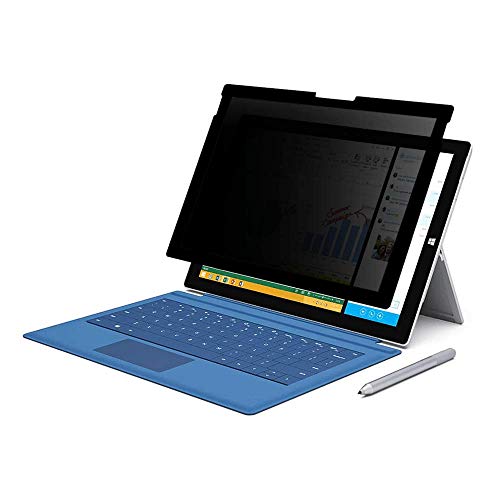
FILMEXT privacy screen for Surface Pro 7+/7/6/5/4 12.3"
FILMEXT
Budget
PYS Detachable Laptop Privacy Screen Filter 15.6" 16:9
PYS
Budget
3M Privacy Filter for 13.3" Widescreen Laptop with COMPLY Attachment
3M
Budget
Kensington MP15 Magnetic Privacy Screen for 15" MacBook Air
Kensington
Budget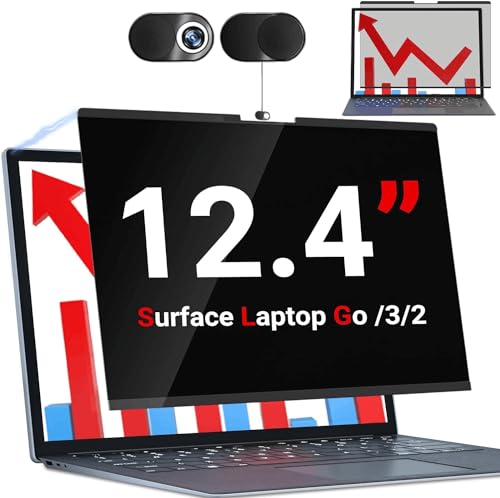
Privacy screen for Surface Laptop Go 3/2/1 12.4" (磁性可移除触控隐私膜)
ZOEGAA
Budget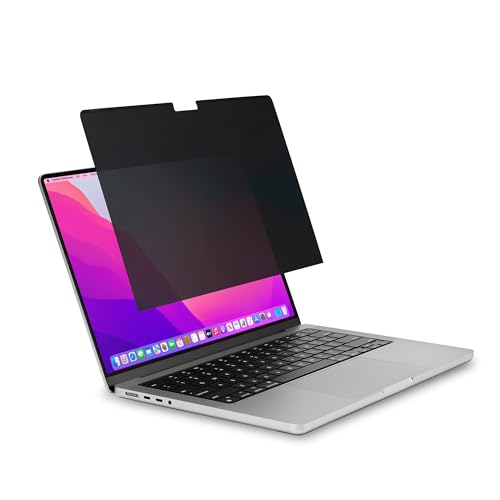
Kensington MP16 Magnetic Privacy Screen for 16" MacBook Pro
Kensington
Budget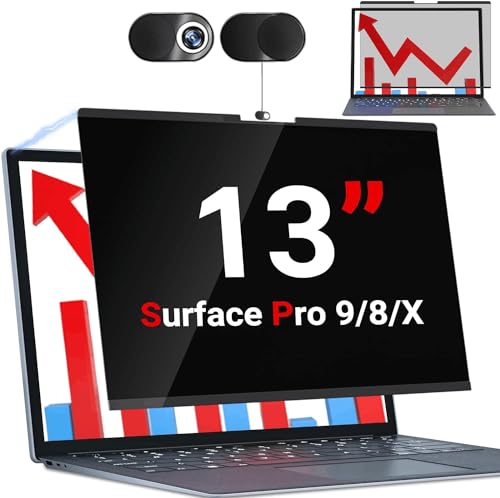
ZOEGAA Surface Pro Privacy Screen with Sliding Camera Cover
ZOEGAA
Budget
360 Privacy Screen for 14-inch MacBook Pro (2021-2024) with anti-glare blue light filter
Mamol
Budget
ZOEGAA Surface Laptop 15 Privacy Screen with Sliding Camera Cover
ZOEGAA
Budget
3M Privacy Filter for 16" Widescreen Laptop
3M
Mid-Range
Magnetic privacy filter for Surface Pro 8/9/10 13"
Protescreen
Budget
Privacy screen protector for 12" MacBook (2015-2017)
Ceydebne
Mid-Range
ZOEGAA Magnetic Privacy Screen for MacBook Air 13.6" & 13"
ZOEGAA
Budget
Magnetic Privacy Screen for MacBook Pro 14" (2021-2024) – removable anti-glare filter
ZOEGAA
Mid-Range
Spigen SafeView Privacy Filter for 16-inch MacBook Pro
Spigen
Mid-Range
Kensington Magnetic MacBook Air Privacy Screen 13.6"
Kensington
Budget
ZOEGAA magnetic privacy screen for Surface Go 10"
ZOEGAA
Budget
VINTEZ privacy screen for 21.6" monitors
VINTEZ
Budget
Magnetic Privacy Filter for 15" Surface Laptop (15) by Protescreen
Protescreen
BudgetRoundups
Frequently Asked Questions
How do I choose the right size and fit for a laptop screen filter?
Measure your laptop screen diagonally and check the filter’s listed compatible sizes or model fit; choose an attachable filter (adhesive or slide-on) that matches the screen’s active display area rather than the laptop bezel
What are the main types of laptop screen filters and which is best for me?
Common types are privacy filters (narrow viewing angles), anti-glare/anti-reflective filters, and blue-light reducing filters; pick based on need—privacy filters for shoulder surfing protection, anti-glare for bright environments, and blue-light filters to reduce eye strain from long screen use
How much do laptop screen filters typically cost and what affects price?
Prices commonly range from budget options under $20 to higher-quality filters above $60; cost is influenced by brand, filter material, precision fit, privacy strength, blue-light filtering level, and whether the product includes mounting hardware or case-compatible designs
Will a screen filter affect display clarity, touch functionality, or colors?
Some reduction in brightness, sharpness, or color saturation is common—privacy filters and heavy blue-light or anti-glare coatings have the most impact—while many modern filters preserve touch responsiveness, but confirm the filter description states compatibility with touchscreens if needed
How do I install, remove, and care for a laptop screen filter?
Follow the manufacturer’s mounting method (adhesive tabs, slide mounts, or magnetic/clip systems); clean gently with a microfiber cloth and recommended cleaner, avoid abrasive materials, and store removable filters flat to prevent warping when not in use
Do privacy filters work on all viewing angles and how do I test one?
Privacy filters narrow the horizontal or vertical viewing cone but do not block all side views—test by viewing the screen from typical shoulder or side angles (about 30–60 degrees) to confirm visibility drops as expected for the chosen filter
Are there compatibility considerations for touchscreen or convertible laptops?
Yes—ensure the filter explicitly lists touchscreen compatibility and supports hinge/convertible positions; some privacy filters are removable or use low-profile mounts to preserve touch and tablet-mode functionality