PC Game Flight Controls
Controllers and peripheral gear for PC flight simulation, including joysticks, yokes, rudder pedals, and throttle quadrants from entry-level to high-end. The category lists 63 products averaging 4.42 stars with prices from $39 to $900. Top brands represented include Logitech G and Thrustmaster
Top Products

Thrustmaster T-Flight Hotas X for PC
Thrustmaster VG
Mid-Range
Thrustmaster AVA Offset Adapter for AVA Base on PC
Thrustmaster
Mid-Range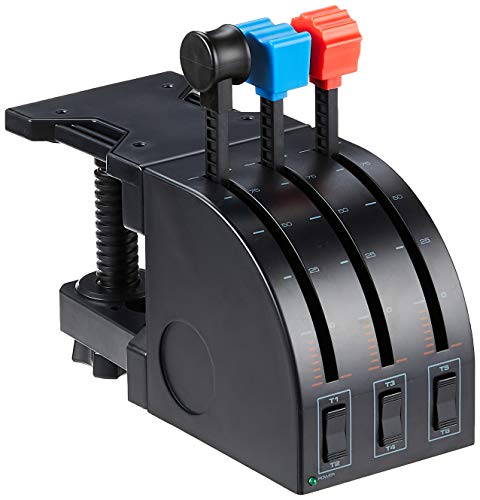
Logitech G Saitek PRO Flight Throttle Quadrant
Logitech G
Mid-Range
Thrustmaster T.Flight HOTAS 4 for PS5/PS4/PC
Thrustmaster VG
Mid-Range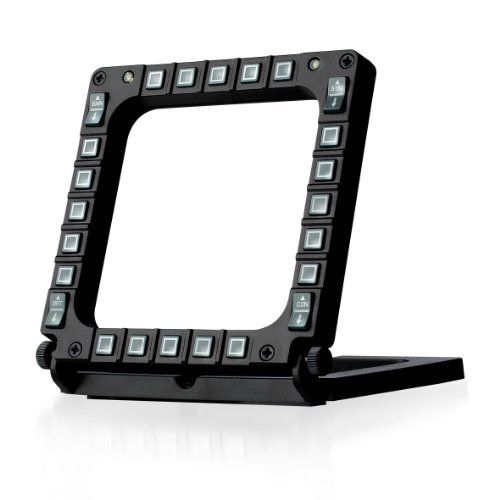
Thrustmaster MFD Cougar Pack (PC compatible)
Thrustmaster VG
Mid-Range
Honeycomb Alpha Flight Controls Yoke & Switch Panel
Honeycomb Aeronautical
Premium
Hikig Desk Mount for Joystick & HOTAS (2 Pack)
Hikig
Mid-Range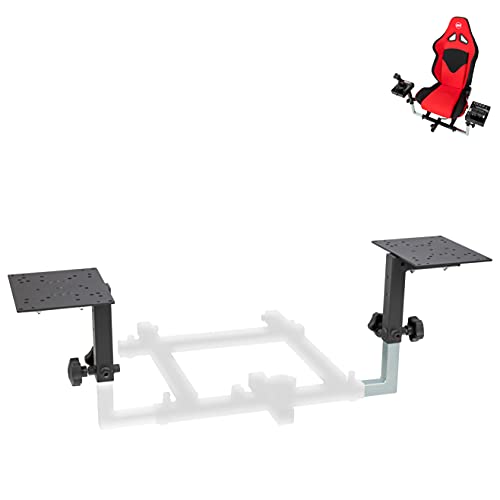
Flight Simulator HOTAS Add-on Kit for OpenWheeler cockpits
OpenWheeler
Mid-Range
Thrustmaster T-Flight HOTAS One (Microsoft Flight Simulator license)
Thrustmaster
Mid-Range
Thrustmaster T16000M FCS HOTAS for PC
Thrustmaster VG
Premium
Thrustmaster TFRP flight rudder pedals
Thrustmaster
Mid-Range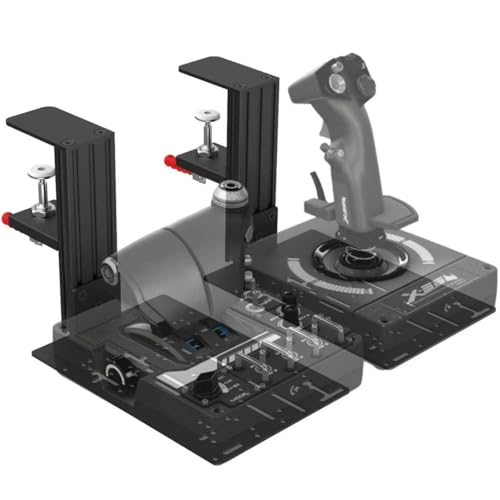
JUYEER Table Mount for Flight Sticks & Controllers
JUYEER
Mid-Range
Thrustmaster TCA Quadrant Add On Airbus Edition
Thrustmaster VG
Mid-Range
Logitech G Pro Flight Radio Panel
Logitech G
Premium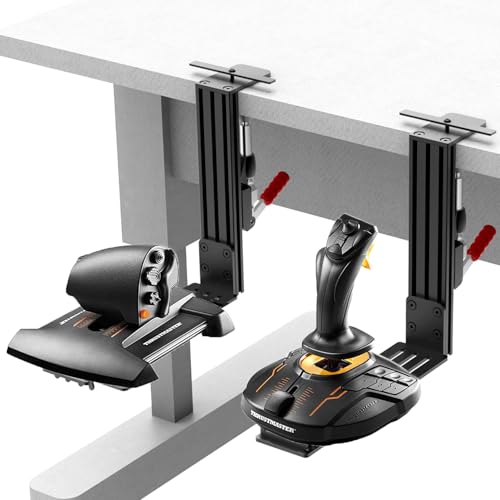
Desk Mount Joystick Mount for HOTAS (2 Pack) compatibles
wuutyty
Mid-Range
Logitech G Pro Flight Multi Panel
Logitech G
Premium
Honeycomb Airbus Throttle Pack for Bravo Throttle Quadrant
Honeycomb Aeronautical
Mid-Range
Logitech G PRO Flight Yoke System for PC
Logitech G
Premium
Logitech G Pro Flight Rudder Pedals
Logitech G
Premium
Simulated joystick dust cover for Thrustmaster Warthog A10C
LINZHEN
Budget
Logitech G Pro Flight Switch Panel
Logitech G
Mid-Range
Thrustmaster T-Flight Full Kit for Xbox and PC
Thrustmaster Flight SIM
Premium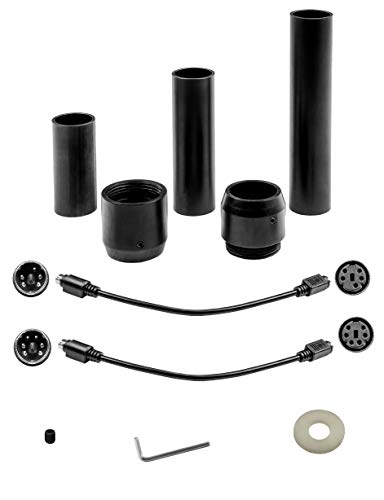
Flight stick grip extension kit for Thrustmaster Warthog and popular sticks
SimFab
Mid-Range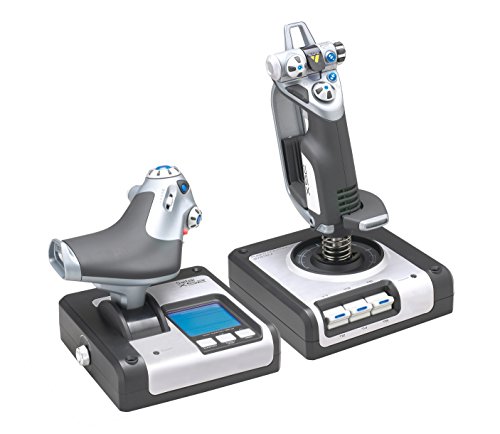
Logitech G X52 Flight Control System
Logitech, Inc
PremiumRoundups
Frequently Asked Questions
How do I choose the right type of flight control for my PC setup?
Choose based on the aircraft type you plan to simulate (joysticks/hotas for fighters, full yoke and throttle quadrants for airliners), required inputs (rudder pedals, multiple throttles, trim), desk or mount availability, and compatibility with your flight simulator software and operating system
What should I check for compatibility with my flight simulator and PC?
Verify OS support (Windows/macOS), USB connectivity, whether the device is supported natively or requires drivers/third-party plugins, and that the simulator recognizes multiple devices if you plan to use separate yoke, throttle, and pedal units
How do build quality and features affect price and longevity?
Metal components, hall-effect or magnetic sensors, and sealed bearings typically increase durability and cost, while plastic parts and potentiometers are cheaper but may wear faster; consider warranties and user-replaceable parts for long-term value
What essential features should I look for in a HOTAS or yoke setup?
Look for adjustable resistance/centering, programmable buttons and hats, a dedicated throttle axis (or quad), smooth axis resolution (e.g., high-bit sensors), and ergonomics that fit your hand size and mounting options
Are pedals necessary, and how do I decide between including them?
Pedals provide realistic yaw and toe-brake control for airliners and gliders; choose them if you want full control fidelity or practice rudder work, otherwise some simulators allow rudder via twist or on-throttle controls for casual play
Can I mix and match components from different brands?
Yes; many users combine yokes, throttles, and pedals from different manufacturers, but confirm driver compatibility and that the simulator accepts multiple direct-input devices without conflicts
What maintenance and care do flight controls need to stay accurate?
Keep units clean and dust-free, avoid liquids and extreme temperatures, periodically tighten mounts and fasteners, update firmware/drivers from the manufacturer, and replace worn components like straps or potentiometers when needed