Styluses
Styluses for tablets and touchscreens, including active pens and capacitive models for drawing, note-taking, and navigation. The category spans budget through mid-range options (average price (price varies)) and features brands such as Samsung among others. Average rating across 84 indexed products is 4.41
Top Products
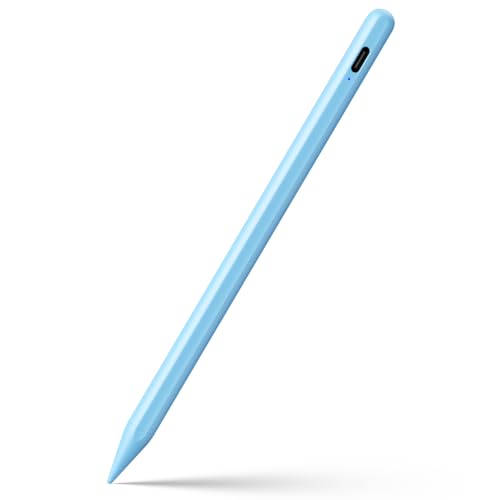
Stylus Pen for iPad Pro Air Mini (Blue) JAMJAKE
JAMJAKE
Mid-Range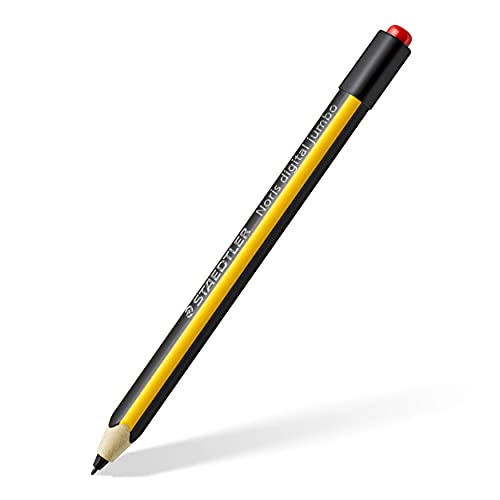
Noris Jumbo EMR Stylus Pen for Tablets and Laptops
STAEDTLER
Mid-Range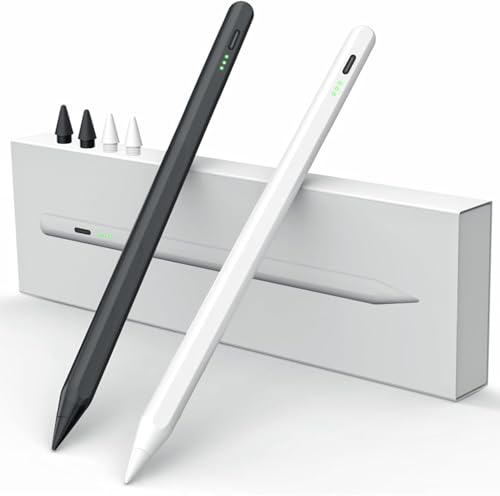
MEKO Stylus Pen for iPad (Palm Rejection, Tilt Sensor) – Apple Pencil Compatible
MEKO
Budget
Metapen M1 Stylus Pen for Surface and more
metapen
Budget
ESR Geo Digital iPad Pencil for iPad models (Bluetooth, magnetic)
ESR
Budget
Pen for Surface Pro with Palm Rejection and 260H Battery
iafer
Budget
ESR Geo Digital iPad Pencil with Find My, shortcuts, pink
ESR
Budget
Penoval Stylus Pen for iPad - magnetic, palm rejection
Penoval
Budget
ESR Geo Digital iPad Pencil (FindMy) - Bluetooth shortcuts, 20min fast charge, white
ESR
Budget
Raphael N520C Stylus Pen for Surface
RENAISSER
Budget
S Pen replacement with 0.7mm fine tip for Galaxy S24 Ultra
Samsung
Mid-Range
SAMSUNG Galaxy Z Fold 5 S Pen Fold Edition (Black) with Compact Design
Samsung
Budget
TCD Stylus Pen for iPad and Touch Screens
THE CASE DOCTOR GET YOUR CASE LIFT WITH THE CASE DOCTOR
Budget
SAMSUNG Galaxy S24 Ultra S Pen Replacement 0.7mm Tip
SAMSUNG
Mid-Range
SAMSUNG Galaxy S24 Ultra S Pen Replacement 0.7mm Fine Tip
Samsung
Mid-Range
STAEDTLER Mars Lumograph Jumbo Digital Stylus Pen with Eraser
STAEDTLER
Mid-Range
Penoval stylus for iPad with eraser switch and auto-wake/sleep
Penoval
Mid-Range
Slim Pen 2 for Copilot+ PC Surface Pro 11/10/9/8 & Laptop Studio
RENAISSER
Mid-Range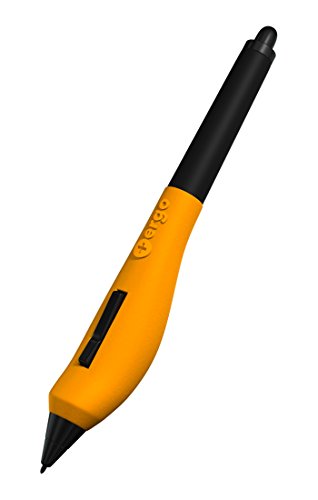
Plus Ergo Grip pen grip for Wacom Pen family
Plus Ergo Grip
Budget
Famuralous EMR stylus replacement for Remarkable 2 with 4096 pressure
famuralous
Mid-Range
MR05 EMR Stylus for Remarkable 2 Pen / Kindle Scribe Pen
King Write
Mid-Range
Stylus Pen for iPad 11th-6th Gen (2-pack) with Palm Rejection
SuitMeeUp
Mid-Range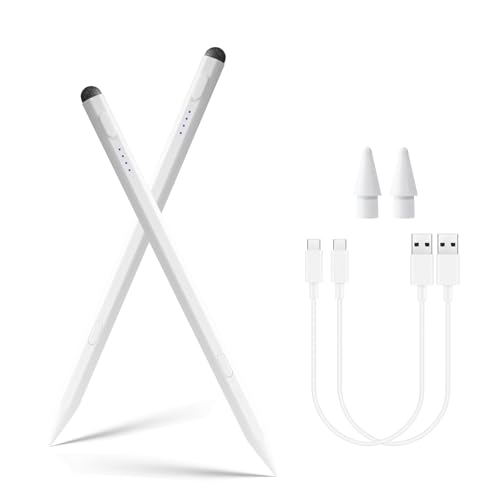
Defitch Stylus Pen for iPad – 2 Pack, fast charge, high precision
Defitch
Mid-Range
Stylus Pen 2nd Gen with Magnetic Wireless Charging for iPad Pro/Air/mini
Zyerch
BudgetRoundups
Frequently Asked Questions
How do I choose the right stylus for my device?
Check device compatibility (capacitive touchscreen vs. active/stylus-supported tablets), required features (pressure sensitivity, tilt, palm rejection), and whether the stylus needs Bluetooth or a specific protocol (e.g., Wacom, Apple Pencil protocol)
What are the main differences between active and passive styluses?
Passive (capacitive) styluses are simple tips that mimic a finger and usually have no electronics, while active styluses include sensors and firmware to provide pressure sensitivity, tilt detection, lower latency, and sometimes buttons or erasers
How much should I expect to spend and what affects price?
Stylus prices commonly range from budget options under $30 to premium models over $100; price is influenced by compatibility, pressure levels, tilt support, build materials, included tips or chargers, and brand reputation
Do I need pressure sensitivity and tilt for note-taking or drawing?
Pressure sensitivity improves line weight and dynamics for drawing and handwriting; tilt support adds natural shading capability. For basic note-taking, a non-pressure stylus may suffice, but creatives typically prefer pressure and tilt
How long do stylus batteries last and how are they charged?
Battery life varies: some active styluses use rechargeable batteries with USB-C or magnetic chargers lasting from several hours to days of use, while others use replaceable coin cells that can last weeks to months depending on usage
What maintenance do styluses require to stay accurate?
Replace worn tips according to manufacturer guidance, keep the tip and screen clean to avoid scratches, update firmware if supported, and store or charge the stylus per instructions to preserve battery health
Will a stylus work across different brands and tablets?
Cross-compatibility depends on the stylus technology; universal capacitive styli work on most touchscreens but lack advanced features, while active styli often require specific device support and may not provide full functionality on other brands