Tablet Keyboards
Tablet keyboards and Bluetooth/attachable keyboard cases for tablets, covering budget through premium models for typing, docking, and protection. Category includes 127 products with an average rating of 4.26 and top brands like Apple and kaidisen
Top Products

Harvopu iPad keyboard case for iPad 11th/10th gen with trackpad
Harvopu
Budget
Arteck Surface Go Type Cover with touchpad (Ultra-Slim, Bluetooth)
Arteck
Budget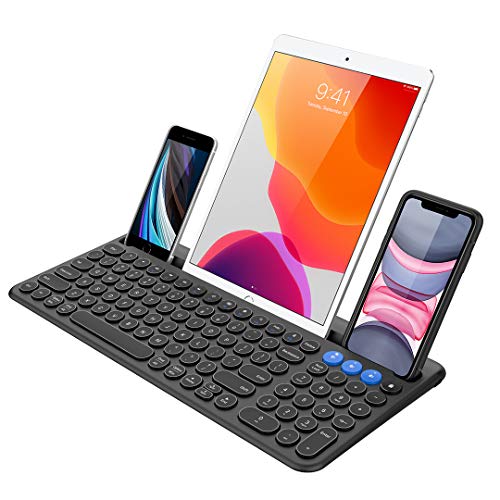
Arteck wireless Bluetooth keyboard with built-in cradle
Arteck
Mid-Range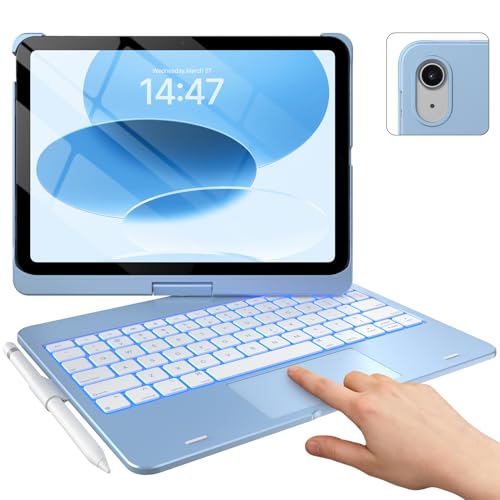
typecase Touch iPad 10th Gen Case with Keyboard + iPad A16 11th Gen
typecase
Mid-Range
Inateck Bluetooth keyboard with 7-color backlight for Surface Go
Inateck
Budget
Arteck folding bluetooth keyboard for tablets and phones
Arteck
Mid-Range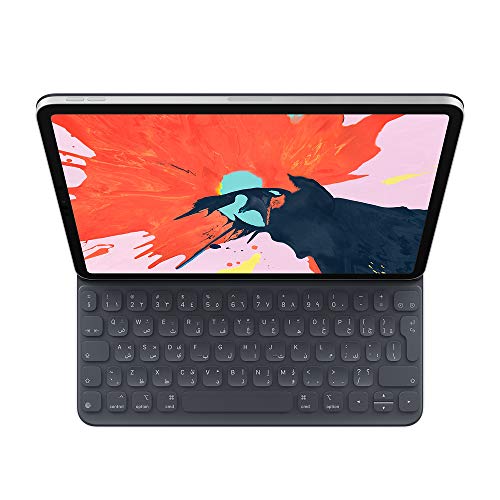
Apple Smart Keyboard Folio for 12.9" iPad Pro (3rd Gen) - Spanish
Apple
Mid-Range
FINTIE Keyboard Case for Samsung Galaxy Tab S10 Lite/S10 FE/S9 FE/S9 11 Inch
FINTIE
Budget
Apple Smart Keyboard Folio for 12.9-inch iPad Pro (3rd Gen) — Traditional Chinese
Apple
Mid-Range
Smart Keyboard Folio for iPad Pro 12.9 (3rd Gen) - Chinese - Pinyin
Apple
Mid-Range
typecase Surface Pro keyboard for Pro 11/10/9/8/X, 11-color backlit
typecase
Mid-Range
Keyboard Case for Surface Go 3/2/1 with Backlit Keyboard
Qulose
Mid-Range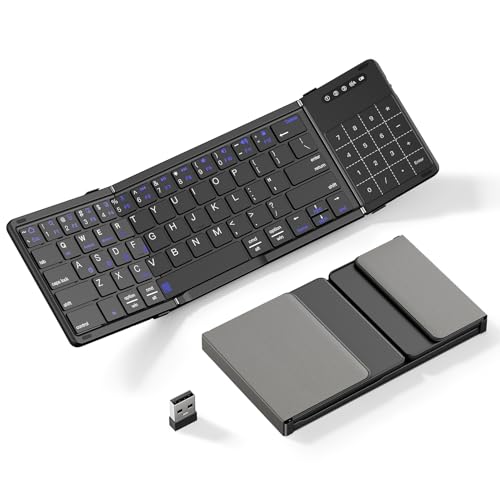
XIWMIX 2-in-1 Foldable Bluetooth Keyboard with Touchpad & Number Pad for multi-device use
XIWMIX
Mid-Range
Keyboard case for Surface Go 3/2/1 with detachable wireless keyboard
Qulose
Budget
Surface Pro 7/8/6/5/4/3 keyboard with 7-color backlight
Sunnymark
Mid-Range
Logitech Touch Keyboard K400
Logitech
Mid-Range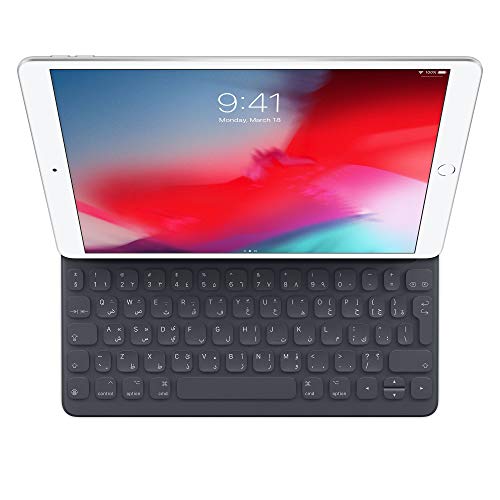
Apple Smart Keyboard for iPad Pro 10.5–inch US English
Apple
Mid-Range
Apple Smart Keyboard Folio for 12.9‑inch iPad Pro (3rd Gen) – Italian
Apple
Mid-Range
Keyboard Case with Mouse for iPad 11in A16 2025 and iPad 10th Gen 10.9in
kaidisen
Mid-Range
Arteck Surface Pro Type Cover with Touchpad
Arteck
Mid-Range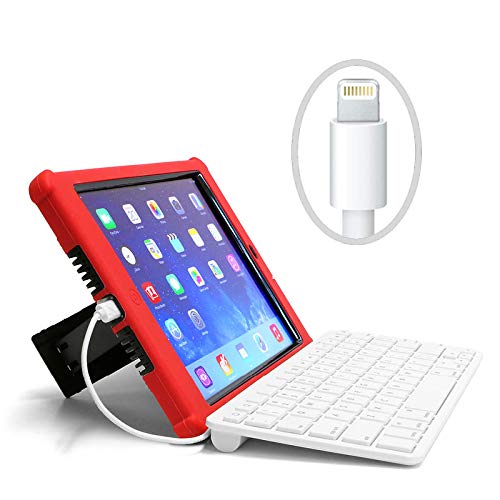
HiTek iPad wired keyboard for school use
HiTek
Mid-Range
HENGHUI Keyboard Case for Galaxy Tab S9/S8/S7 11" with Detachable Magnetic Keyboard
HENGHUI
Budget
Doohoeek Backlit Bluetooth Keyboard for iPad Procreate
Doohoeek
Budget
Apple Smart Keyboard Folio for 12.9-inch iPad Pro (3rd Gen) - Korean
Apple
Mid-RangeRoundups
Frequently Asked Questions
How do I choose the right tablet keyboard for my tablet model?
Check compatibility by matching your tablet's make, model, and size to the keyboard's listed supported devices; confirm the connection method (Bluetooth or smart connector) and physical fit if the keyboard doubles as a case or attaches magnetically
What connection types are available and which should I pick?
Common types are Bluetooth (works wirelessly with most tablets), proprietary smart connectors (physical pins for low-latency power/communication, available on some tablets), and USB-C wired; choose Bluetooth for broad compatibility, smart connectors for simpler pairing and charging if your tablet supports them, or wired if you need zero wireless latency and power
Which features matter most for typing and productivity?
Look for key travel and layout (full-size keys and standard spacing improve typing speed), backlighting for low-light use, built-in trackpad or shortcut keys for navigation, durable build materials, and battery life or pass-through charging if you rely on long sessions
How much should I expect to spend and what do price ranges indicate?
Tablet keyboards commonly range from under $30 for basic Bluetooth folios, $30–$100 for midrange models with better build and features, and over $100 for brand-specific smart connector keyboards or premium designs; higher prices generally reflect build quality, integrated cases, or advanced features like large trackpads and backlighting
Will a tablet keyboard affect battery life and how is it powered?
Bluetooth keyboards have their own rechargeable battery or replaceable cells and can add minimal power draw when active; smart connector keyboards draw power directly from the tablet and therefore don't need a separate battery; check manufacturer battery life estimates and charge method for the keyboard type you choose
Can tablet keyboards protect my device and are they easy to remove?
Many keyboard-cases provide screen and back protection while attached and are designed to be removable or foldable; magnetic or clip-on keyboards are generally easier to detach than integrated folios, so pick based on whether you want permanent coverage or quick separation
What maintenance and care should I follow to extend keyboard life?
Keep the keyboard clean by gently removing debris with compressed air or a soft brush, wipe spills immediately with a damp cloth, avoid excessive force on keys, follow charging guidelines for rechargeable models, and store the keyboard dry and away from extreme temperatures