USB Flash Drives
USB flash drives for storing and transferring data in USB-A and USB-C formats, ranging from basic thumb drives to high-capacity and rugged models. The category includes 809 indexed products, with an average rating of 4.49 and prices from $32 to $2,600, featuring brands like SanDisk and EASTBULL
Top Products
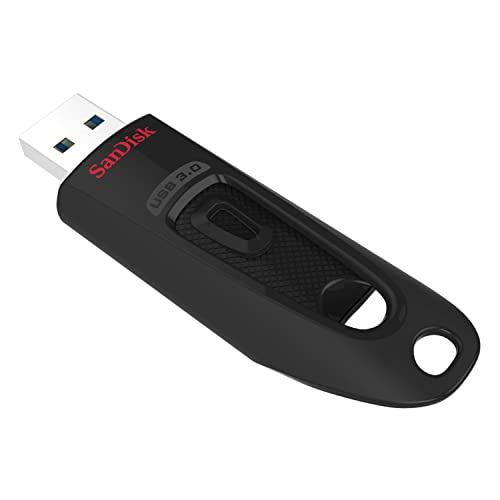
SanDisk 512GB Ultra USB 3.0 Flash Drive
SanDisk
Mid-Range
PNY 128GB Turbo Attache 3 USB 3.0 Flash Drive 5-Pack
PNY
Mid-Range
PNY 256GB Turbo Attache 3 USB 3.0 Flash Drive 3-Pack
PNY
Mid-Range
SanDisk 64GB Ultra Dual Drive USB Type-C (Pack of 3)
SanDisk
Budget
Samsung USB-C flash drive 256GB USB 3.2 Gen 1
Samsung Electronics
Budget
PNY 512GB Turbo Attache 3 USB 3.2 Flash Drive
PNY
Budget
SanDisk Ultra Dual Drive USB-C 128GB (Pack of 4) gray
SanDisk
Mid-Range
TOPESEL 16GB USB 3.0 Flash Drive 10Pack (Mixed Colors)
TOPESEL
Budget
SAMSUNG FIT Plus 256GB USB 3.1 Flash Drive
Samsung
Budget
Enfain USB 3.0 32GB flash drives (10-pack)
Enfain
Budget
SanDisk 512GB Ultra Fit USB 3.2 flash drive
SanDisk
Mid-Range
SanDisk 32GB Ultra Dual Drive USB-C (Pack of 2)
SanDisk
Mid-Range
INLAND Micro Center USB 3.0 Flash Drive 16GB (10-Pack)
INLAND
Budget
FEBNISCTE 64GB USB flash drive 10 pack multicolor
FEBNISCTE
Budget
Kepmem 64GB USB 2.0 10pc Swivel Flash Drive
Kepmem
Budget
MFi USB 3.0 Flash Drive 128GB (Techkey) 3in1 Memory Stick
Techkey
Mid-Range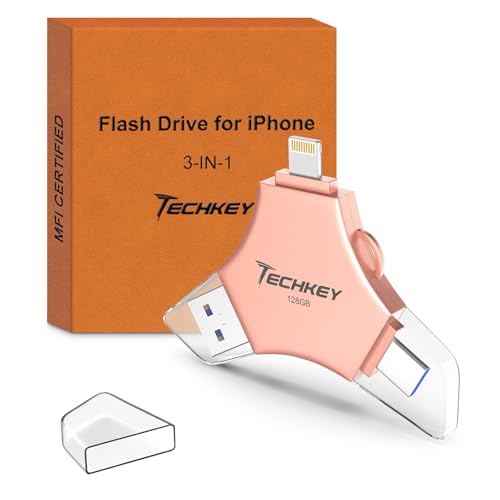
MFi USB 3.0 Flash Drive 128GB Rose Pink
Techkey
Mid-Range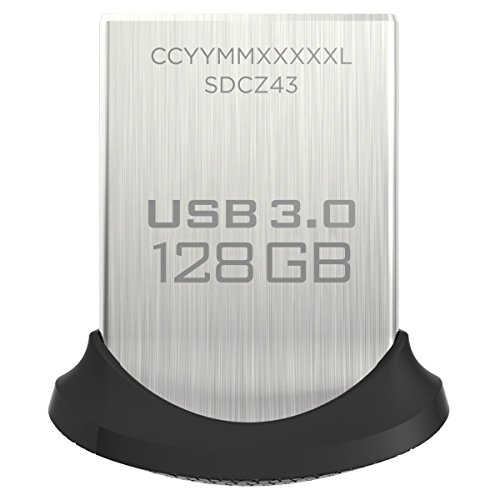
SanDisk Ultra Fit 128GB USB 3.0 Flash Drive
SanDisk
Mid-Range
INLAND 64GB USB 3.0 Flash Drive, 10-pack, slim gum-size
INLAND
Mid-Range
Samsung USB-C flash drive 512GB
SAMSUNG
Mid-Range
Samsung USB Type-C 512GB Flash Drive
Samsung
Mid-Range
JBOS 4GB USB Flash Drive 20 Pack with Swivel Aluminum Cover
JBOS
Mid-Range
MFi USB 3.0 Flash Drive 256GB – Techkey
Techkey
Mid-Range
128GB USB Flash Drives 5 Pack – 5 colors
SamData
Mid-RangeRoundups
Frequently Asked Questions
How do I choose the right storage capacity for a USB flash drive?
Pick capacity based on use: 8–32 GB for documents and small media, 64–256 GB for photo libraries and full backups, and 512 GB–1 TB for large video files or extensive media collections. Consider how often you’ll transfer large files and whether you need room to grow
What speed specifications should I look for and how do they affect performance?
Look at USB version (USB 2.0, 3.0/3.1/3.2 Gen 1, Gen 2) and listed read/write speeds; USB 3.x drives and higher advertised write speeds give faster file transfers, especially for large files. Remember real-world speeds depend on the host port, file sizes, and drive build quality
Are there compatibility considerations for different devices and operating systems?
Most flash drives use FAT32, exFAT, or NTFS; FAT32 and exFAT provide broad compatibility with Windows, macOS, Linux, and many consumer devices, while NTFS is Windows-centric. Check the device’s port type—USB-A, USB-C, or dual connectors—and whether your device supports the USB version for best performance
How much should I expect to pay for a USB flash drive and what affects price?
Prices vary by capacity, speed, brand, and build (metal or ruggedized). Typical market ranges include budget options under $50 for lower capacities and basic speeds, mid-range higher capacities and faster models in the tens to low hundreds, and premium or very high-capacity drives at higher price points
What durability and security features should I consider?
Look for water-, shock-, and temperature-resistant ratings if you need ruggedness, and consider hardware encryption or built-in password protection for sensitive data. Be aware that hardware encryption implementations vary; check whether the drive uses recognized standards and if recovery methods exist for lost passwords
How can I maximize the lifespan and reliability of a USB flash drive?
Avoid frequent small random writes, eject the drive safely before removal, keep it away from extreme temperatures and moisture, and use drives with wear-leveling for heavy-use scenarios. Maintain backups—flash drives are convenient but not a substitute for redundant long-term storage
Do brand and warranty matter when buying a USB flash drive?
Established brands often provide clearer specifications, firmware updates, and longer warranties, which can indicate better quality control; warranties typically cover manufacturing defects but not data recovery, so evaluate support terms and return policies before buying