Computer Memory
This category covers computer memory modules and related components—DDR, DDR2/3/4/5 DIMMs, SO-DIMMs, and memory kits—for desktops, laptops, and servers. It lists 2,414 products across budget through premium price tiers (avg $268) with brands like G.SKILL among top names
Top Products

Crucial 16GB DDR4 SODIMM memory 260-pin 2666 MT/s
Crucial
Mid-Range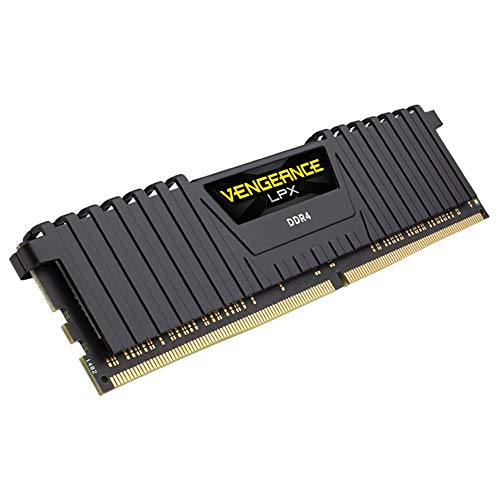
Corsair Vengeance LPX 8GB DDR4 3000 (1x8GB) RAM
Corsair
Budget
Crucial 8GB DDR4 SODIMM 260-pin memory
Crucial
Budget
Timetec 16GB DDR3L/DDR3 SODIMM RAM kit (2x8GB) 1600MHz
Timetec
Budget
Corsair 32GB DDR4 Vengeance LPX memory 2x16GB 2400 C16 black
Corsair
Mid-Range
Timetec 32GB DDR3L/DDR3 1600MHz SODIMM RAM kit
Timetec
Budget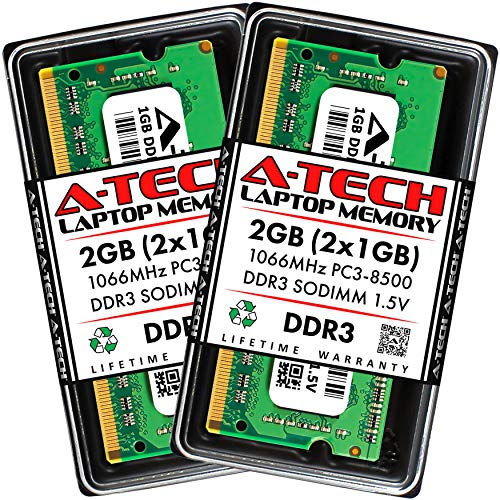
A-Tech 2GB DDR3 SO-DIMM RAM 204-Pin 1066MHz
A-Tech
Budget
Timetec 16GB (2x8GB) DDR3L 1600MHz for Mac (2011-2015)
Timetec
Budget
Timetec 32GB (4x8GB) DDR3 1600MHz UDIMM Memory
Timetec
Budget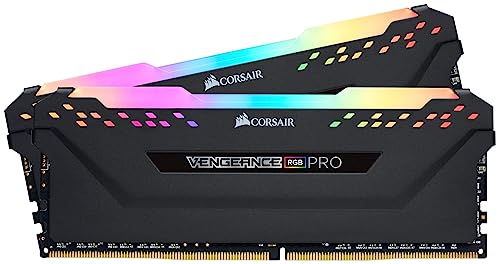
CORSAIR VENGEANCE RGB PRO DDR4 RAM 16GB (2x8GB) 3200MHz
Corsair
Mid-Range
Corsair Vengeance LPX 16GB DDR4 3000 Desktop Memory
Corsair
Mid-Range
Corsair Vengeance LPX DDR4 RAM 16GB (2x8GB) 3200MHz
Corsair
Mid-Range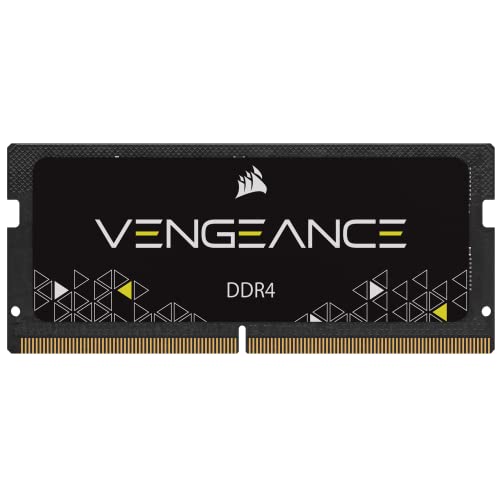
Corsair Vengeance SODIMM 16GB DDR4 2400 SO-DIMM
Corsair
Mid-Range
G.SKILL Trident Z RGB DDR4 RAM 32GB (4x8GB) 3200MHz
G.SKILL
Mid-Range
G.SKILL Trident Z RGB DDR4 RAM 32GB (2x16GB) 3200MHz
G.SKILL
Mid-Range
Crucial 8GB DDR4 UDIMM memory 2666 MT/s CT8G4DFRA266
Crucial
Budget
G.SKILL RipjawsV DDR4 32GB RAM 3200MHz
G.SKILL
Mid-Range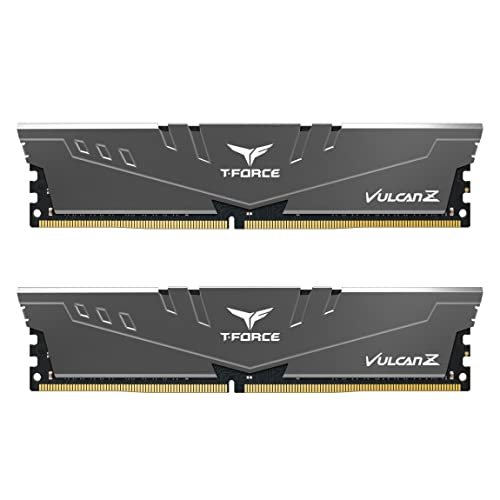
TEAMGROUP T-Force Vulcan Z DDR4 16GB (2x8GB) 3200MHz
TEAMGROUP
Mid-Range
A-Tech 16GB DDR3 SO-DIMM Kit for MacBooks/iMacs (2x8GB) 204-Pin
A-Tech
Budget
Corsair VENGEANCE LPX DDR4 RAM 32GB (2x16GB) 2666MHz
Corsair
Mid-Range
Timetec 16GB DDR4 2666MHz SODIMM memory
Timetec
Budget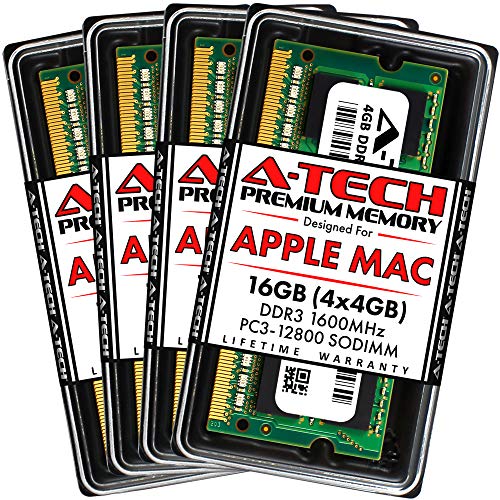
A-Tech 16GB DDR3 RAM Kit for iMac (4x4GB) 204-Pin
A-Tech
Mid-Range
Corsair Vengeance LPX DDR4 RAM 32GB (2x16GB) 3200MHz
Corsair
Mid-Range
Corsair Vengeance RGB Pro SL 16GB DDR4 Desktop Memory
Corsair
Mid-RangeRoundups
Frequently Asked Questions
How do I determine which type of RAM is compatible with my computer?
Check your motherboard or laptop manual for supported memory type (e.g., DDR4, DDR5), maximum capacity per slot and total, and supported speeds; match those specs and the module form factor (DIMM for desktops, SO-DIMM for laptops)
How much memory do I need for typical use cases like web browsing, gaming, and video editing?
For basic web browsing and office tasks 8–16 GB is usually sufficient; gaming and multitasking benefit from 16–32 GB; professional video editing, 3D work, or large datasets often require 32 GB or more depending on project size
Does RAM speed (MHz) and latency matter, and how should I choose them?
Higher MHz and lower CAS latency can improve performance, especially in memory-sensitive tasks; prioritize matching the motherboard and CPU supported speeds, and if choosing between capacity or speed, capacity typically gives a bigger real-world benefit
Can I mix different brands, speeds, or sizes of RAM modules?
Mixing modules is possible but can cause the system to run at the lowest common speed and may reduce stability; for best results use matched kits (same capacity, speed, and timings) and populate recommended slots per the motherboard manual
What should I consider when buying RAM on a budget?
Determine the minimum capacity you need first, then look for reputable brands and matched kits at that capacity; slower speeds and higher latencies are acceptable for many users and often cut cost more than reducing capacity
How do I install RAM safely and troubleshoot if the system won’t boot?
Power off and unplug the system, discharge static, open the case, align the notch and firmly seat the module until clips click; if it won't boot, reseat modules, try one at a time, clear CMOS, and check the motherboard manual for supported configurations
How long does RAM typically last and does it require maintenance?
RAM has no moving parts and commonly lasts many years; it requires no routine maintenance beyond keeping the system cool and free of dust, and occasional firmware/BIOS updates may improve compatibility or stability