Hard Drive Docking Stations
Hard drive docking stations are standalone peripherals for connecting 2.5" or 3.5" HDDs and SSDs to a computer via USB or SATA interfaces, useful for cloning, backups, and data recovery. The category spans budget to mid-range options (about $33–$250, average ~(price varies)) with ~51 products and a 4.34 average rating; common brands include ORICO
Top Products

Sabrent USB 3.0 to SATA Docking Station for 2.5/3.5in HDD/SSD (EC-DFLT)
SABRENT
Mid-Range
Sabrent USB 3.0 Dual Bay Docking Station for 2.5/3.5 HDD/SSD
SABRENT
Mid-Range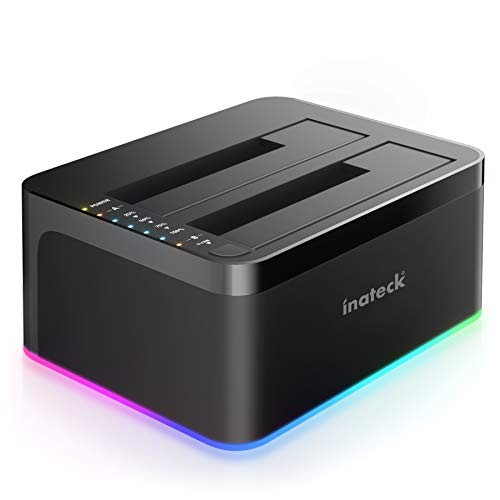
Inateck RGB SATA to USB 3.0 Docking Station (2.5/3.5) with Offline Clone
Inateck
Budget
Sabrent 4-Bay USB 3.0 Docking Station (DS-U3B4)
SABRENT
Mid-Range
Inateck USB-C 2-bay HDD/SSD Docking Station with Offline Cloning
Inateck
Mid-Range
SABRENT USB-C 2.5/3.5 SATA Docking Station DS-UC1B
SABRENT
Budget
Inateck RGB SATA to USB 3.0 Docking Station
Inateck
Mid-Range
ORICO USB-C to SATA 2-Bay Docking Station
ORICO
Budget
FIDECO USB 3.2 Gen 1 2.5/3.5in HDD Dock
FIDECO
Budget
MAIWO M.2 NVMe SSD Cloner Docking Station
MAIWO
Mid-Range
FIDECO M.2 NVMe to USB Docking Station with Cooling Fan
FIDECO
Mid-Range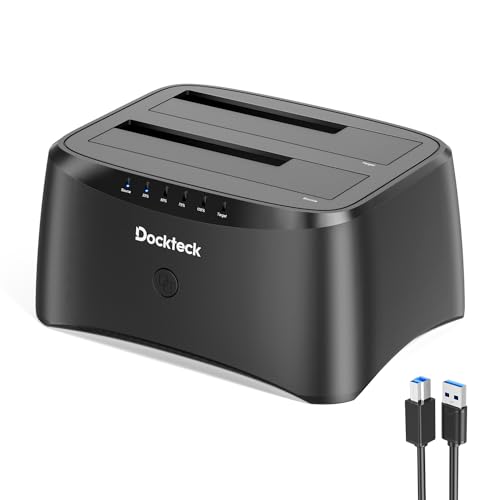
Dockteck USB 3.0 Dual Bay SATA Docking Station
dockteck
Mid-Range
FIDECO M.2 NVMe/SATA Dock with Offline Clone
FIDECO
Mid-Range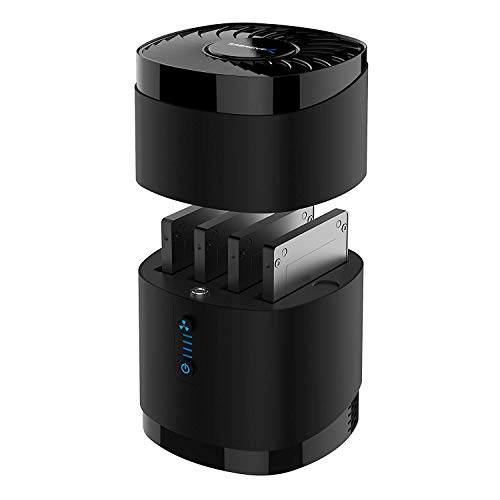
Sabrent USB 3.0 4-Bay SATA Docking Station with Cooling
SABRENT
Mid-Range
AOKO NVMe to USB 3.2 M.2 Reader Dock
AOKO
Budget
OWC USB-C Dual Drive Dock for Mac/PC
OWC
Mid-Range
GRAUGEAR M.2 NVMe & SATA Docking Station
GRAUGEAR
Mid-Range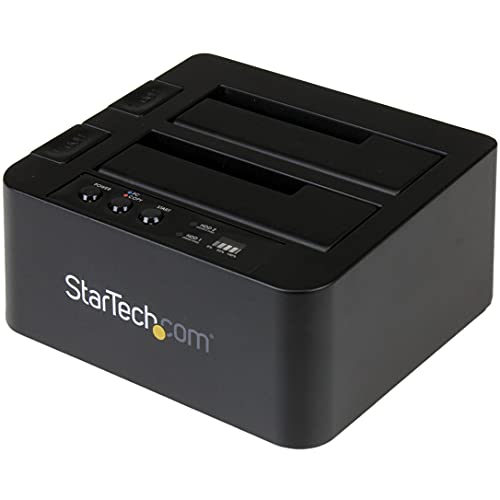
Standalone 2-Bay HDD/SSD Duplicator & USB Docking Station
StarTech
Mid-Range
MAIWO 3-Bay SSD Docking Station with 10Gbps USB-C/C, NVMe/SATA, SD/m2 support
MAIWO
Mid-Range
M.2 NVMe/SATA to USB Docking Station
AOKO
Budget
SABRENT USB-C Dual NVMe M.2 Docking Station with Offline Cloning
SABRENT
Mid-Range
ISHEEP M.2 SATA HDD Docking Station USB 3.1
isheep
Mid-Range
M.2 NVMe & SATA HDD Docking Station with USB 3.2 Gen2 and 80mm fan
xiaobi
Mid-Range
Hagibis Mac mini M4 Hub & SSD Enclosure 3-in-1 Dock
Hagibis
Mid-RangeRoundups
Frequently Asked Questions
How do I choose the right dock for my hard drive type and size?
Choose a dock that supports your drive form factor (2.5" SSD/HDD or 3.5" HDD) and interface (SATA). Check maximum supported drive height and whether the dock accepts both single and dual drives if you need cloning or simultaneous access
What connection types and transfer speeds should I look for?
Look for docks with USB 3.0 or USB 3.1 Gen 2 for common high-speed PC connections, or USB-C/Thunderbolt for faster and lower-latency transfers. Compare advertised interface speeds (e.g., USB 3.0 up to 5 Gbps) but expect real-world throughput to be lower and constrained by the drive itself
Do docking stations support offline cloning and what should I expect?
Some docks include a standalone cloning feature that duplicates one drive to another without a PC; verify the dock explicitly lists offline cloning and check whether it supports sector-by-sector or only used-data cloning. Cloning speed depends on drive types and the dock's internal controller
Are there compatibility or power considerations for 3.5" drives and high-capacity disks?
3.5" desktop drives typically require an external power adapter, so confirm the dock provides sufficient power and supports high-capacity drives (several TB). For very large or enterprise drives, check manufacturer specs for maximum supported capacity
How secure and durable are docking stations for frequent use?
Durability depends on build quality and socket design; metal housings and sturdy SATA connectors tend to last longer. For frequent hot-swapping, look for docks rated for repeated insertions and for features like stable non-slip bases and adequate cooling
What operating systems and file systems are supported?
Most docks are OS-agnostic because they present drives as standard USB mass storage devices; they work with Windows, macOS, and Linux. File system compatibility is determined by the OS (e.g., NTFS, exFAT, HFS+), not the dock itself
How do I protect data and maintain drive health when using a dock?
Always safely eject drives before removal to avoid corruption, use proper backups before cloning or wiping, and monitor drive temperatures during long transfers. Periodically check SMART data with software tools to detect health issues early