Internal USB Port Cards
Internal USB port cards add internal USB headers to desktops and workstations for device expansion, data transfer, or internal accessory connections. The category (36 products, avg rating 4.24) spans budget to mid-range cards, with brands like StarTech represented among options
Top Products
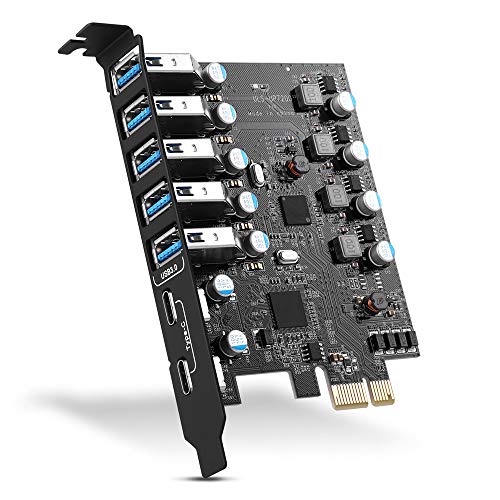
PCIE USB 3.0 Expansion Card (7 ports)
YEELIYA
Budget
Allegro Type A USB 3.2 PCIe Card (4-Port) for Mac/Windows
Sonnet
Mid-Range
USB 3.0 PCIe Card with 6 USB-A and 2 USB-C ports
RIITOP
Budget
7-port USB 3.0 PCIe expansion card (FS-U7L-Pro)
FebSmart
Budget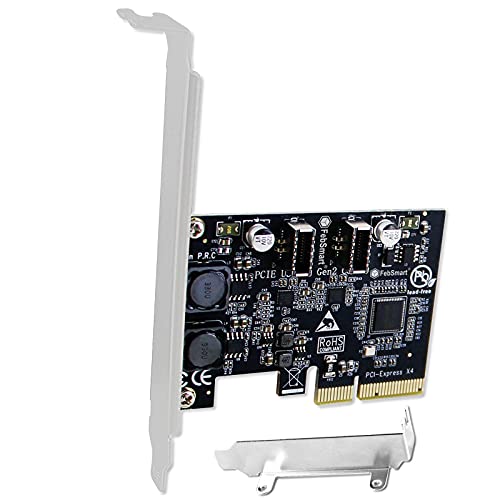
FS-E2C-Pro USB 3.1 Gen2 x4 to 2x USB-C 10Gbps PCIe card
FebSmart
Budget
USB C PCIe Card with 4 ports and 19 pin header
YEELIYA
Budget
7-Port PCIe USB 3.0 Expansion Card (2x USB-C, 5x USB-A) for Desktop
YEELIYA
Budget
StarTech USB 3.2 Gen 2x2 PCIe Card, USB-C 20Gbps, 4-lane
StarTech
Mid-Range
Kingwin 7-Port USB 3.0 Front Panel Hub with Fast Charging
Kingwin
Budget
Sonnet Allegro Max USB-C 20Gbps PCIe Card
Sonnet
Budget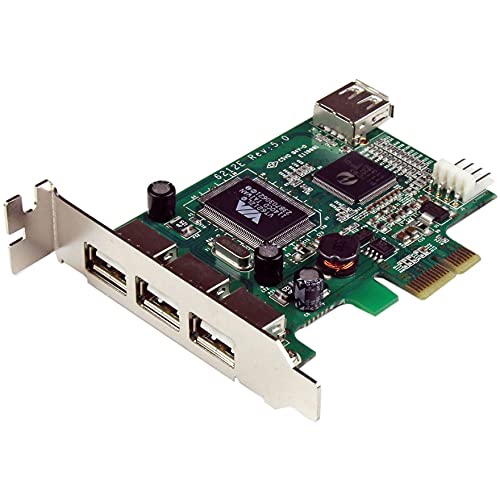
StarTech PCIe USB 2.0 Card - 4 Port Low Profile
StarTech
Budget
PCIe to USB C/A 5-Port Gen 2 Expansion Card
Jorkar
Budget
PCIe USB 3.2/3.1 Card ASM3142 4-Port Type‑C HUB Internal
ULANSeN
Mid-Range
YEELIYA 7-port PCIe USB expansion card (2x USB-C, 5x USB-A)
YEELIYA
Mid-Range
StarTech USB-C 2-Port PCIe Card (10Gbps) – Gen 2x1
StarTech
Mid-Range
PCI-E USB 3.2 Expansion Card (3x USB-C, 1x USB-A, 1x USB-E) A-key header
SINEFINE
Mid-Range
Fanblack PCIe USB 3.0 7-Port Expansion Card (4 USB-A, 3 USB-C)
FANBLACK
Budget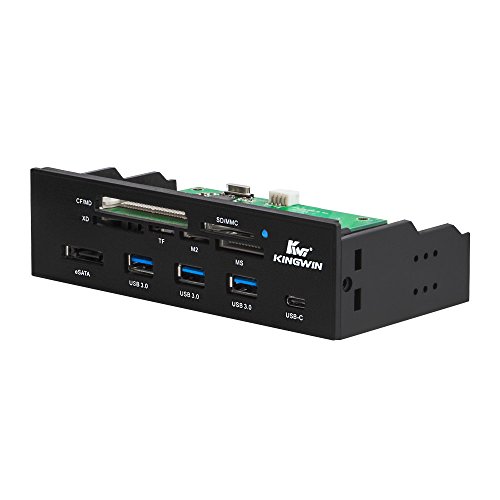
Kingwin 3.0 USB hub with USB-C & card readers
Kingwin
Budget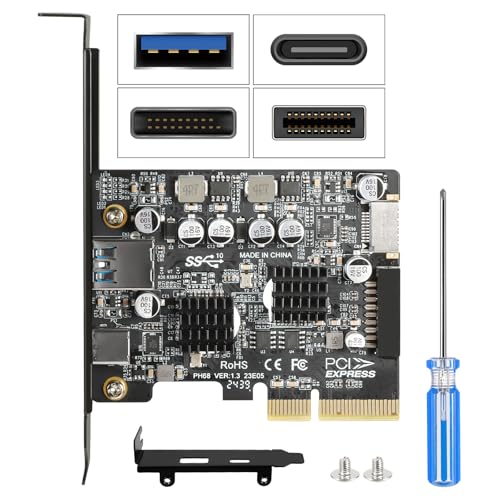
PCIe to USB C 3.2 Gen 2 Expansion Card - 10Gbps PCI-E Adapter
Jorkar
Mid-Range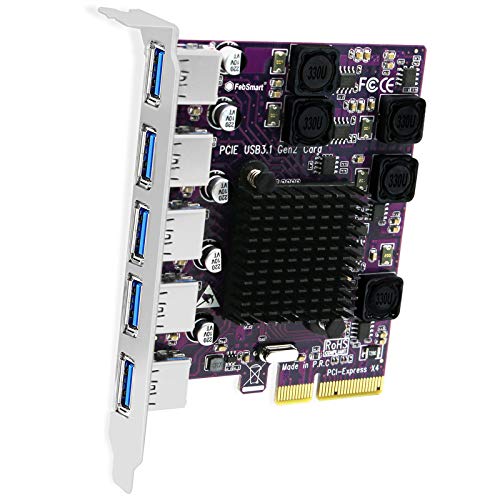
5x 10Gbps USB-A PCIe expansion card
FebSmart
Mid-Range
STARTECH internal and external usb 3 card pcie
StarTech
Mid-Range
PCIe USB 3.2/3.1 Gen 2 5-Port Card (3x USB-C, 2x USB-A) PCIe Expansion
YEELIYA
Budget
YEELIYA 8-Port PCIe USB 3.2/3.1 Gen 2 Card
YEELIYA
Mid-Range
Inateck PCIe to USB 3.2 Gen 2 Extension Card (6x USB-A, 2x USB-C) RedComets U22
Inateck
Mid-RangeRoundups
Frequently Asked Questions
What is an internal USB port card and when do I need one?
An internal USB port card plugs into a motherboard expansion slot (typically PCIe) and provides additional internal or external USB headers/ports for things like front-panel connectors, internal devices, or extra external ports when the motherboard lacks enough USB connections
How do I choose the right card for my PC compatibility?
Check your motherboard for available PCIe slot type (x1, x4, etc.), confirm the card’s connector matches your case/header needs (internal 9-pin/19-pin headers vs external ports), and verify operating system driver support listed by the manufacturer
What USB standards and speeds should I look for?
Select cards that support the USB generation you need (USB 3.0/3.1 Gen 1 for up to 5 Gbps, USB 3.1 Gen 2 for up to 10 Gbps, USB 3.2/USB4 for higher rates), and ensure both the card and attached cables/devices support the same standard to achieve rated speeds
Do internal USB port cards require additional power connections?
Many high-speed or multi-port cards require a SATA or Molex power connector to supply enough current for multiple devices; basic low-power cards may not, so check the card’s specifications before installation
Will installing an internal USB card affect system performance or boot behavior?
A properly installed card typically won’t affect general system performance; however, some motherboards may list USB controllers in BIOS settings or change boot order when new controllers are present, so review BIOS/UEFI settings if you encounter boot or device-detection issues
How do I install and update drivers for an internal USB card?
Install the card into an appropriate PCIe slot, connect any required power and headers, then boot and install drivers from the manufacturer or through your OS update system; keep drivers current for stability and full feature support
What should I consider for long-term reliability and maintenance?
Choose cards from brands with clear specifications and driver support, ensure adequate case airflow to keep controllers cool, avoid overloading ports beyond rated power, and periodically check for firmware/driver updates to maintain compatibility