Webcams
Webcams for video calls, streaming, and content creation, ranging from basic 720p models to high-end PTZ and 4K units. The category includes about 391 products with an average rating of 4.37 and price tiers from budget to premium (average ~(price varies)). Popular brands include Logitech among others
Top Products
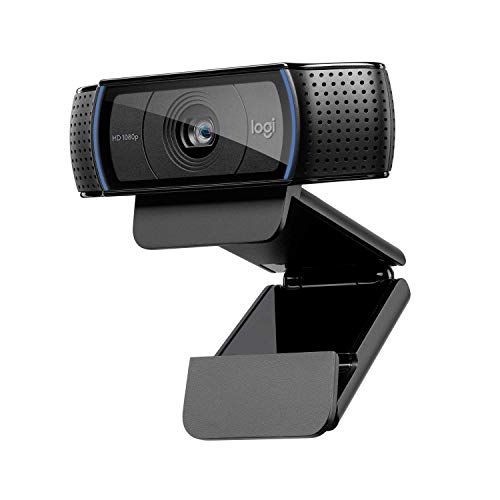
Logitech C920 Pro Webcam
Logitech
Mid-Range
Logitech Brio 100 Full HD Webcam with Microphone
Logitech
Mid-Range
Logitech Brio 101 Full HD 1080p Webcam
Logitech
Mid-Range
NexiGo N660P 1080p 60fps Webcam with Auto Focus & Mics
NexiGo
Mid-Range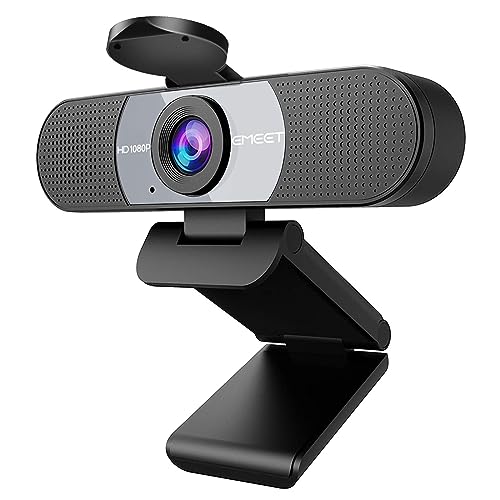
EMEET 1080P Webcam with 2 mics and privacy cover
EMEET
Budget
Logitech C920x HD Pro Webcam
Logitech
Mid-Range
EMEET 1080P USB Webcam with Microphone (C960) 90° FOV
EMEET
Budget
NexiGo N60 1080P Webcam with Microphone
NexiGo
Mid-Range
EMEET C960 AF Webcam with 1080p autofocus
EMEET
Mid-Range
EMEET 1080P Webcam with Microphone (C960) – 2 Mics, 90° FOV, USB
EMEET
Mid-Range
EMEET C960 2K Webcam with Privacy Cover
EMEET
Mid-Range
NexiGo N930P (Gen 2) 1080P USB Webcam with Auto Focus
NexiGo
Mid-Range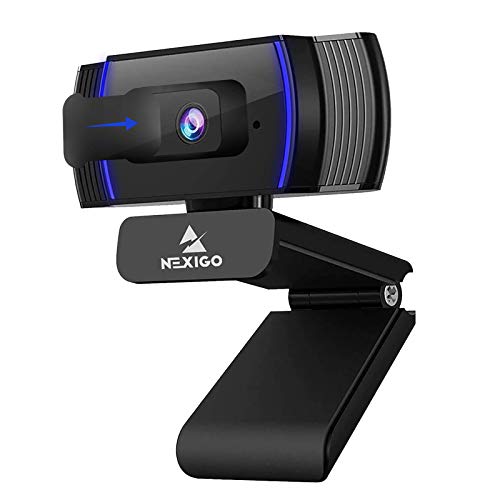
NexiGo N930AF 1080p Webcam with Autofocus and Microphone
NexiGo
Mid-Range
EMEET C960 Webcam with Tripod and Privacy Cover
EMEET
Mid-Range
N60 Pro 1080p Webcam with distortion-free lens
NexiGo
Mid-Range
EMEET C960 4K Webcam with Tripod and Privacy Cover
EMEET
Mid-Range
Webcam with ring light and microphone
ToLuLu
Budget
4K Auto Focus Webcam with 4 AI Mics, light correction, USB-C
ToLuLu
Mid-Range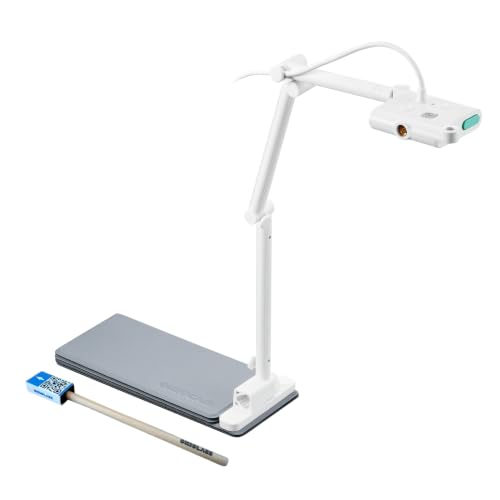
OKIOCAM S-4K 8MP document camera and webcam
OKIOLABS
Mid-Range
ToLuLu Streaming Webcam 2K 50FPS with RGB Light and Mic
ToLuLu
Mid-Range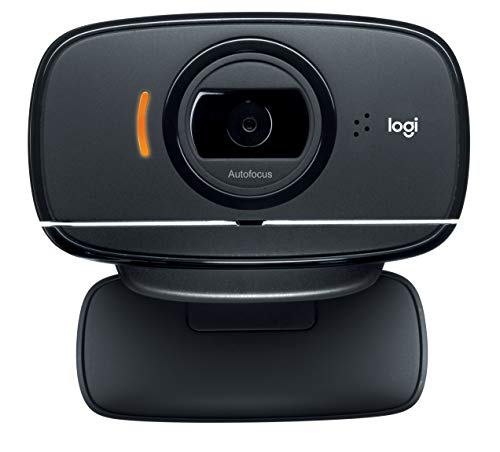
Logitech HD Webcam C525 with Autofocus
Logitech
Mid-Range
Elgato Cam Link 4K External Capture Card
Elgato
Mid-Range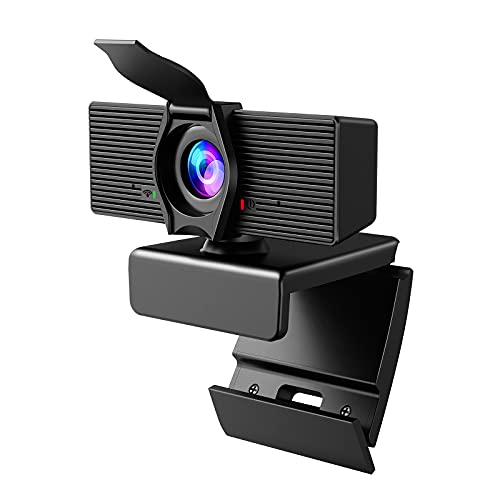
Webcam with Privacy Cover and Microphone
LITEPRO
Budget
Lenovo 1080p Webcam with 95° wide angle and privacy shutter
Lenovo
Mid-RangeRoundups
Frequently Asked Questions
How do I choose the right webcam resolution and frame rate for my needs?
Pick 1080p/30fps for clear video on meetings and streaming; choose 4K or 1080p/60fps if you need higher detail or smoother motion for content creation; for casual video calls, 720p is often sufficient and uses less bandwidth
What other features should I consider besides resolution?
Consider autofocus, low-light performance, field of view (wide for group shots, narrow for single speakers), built-in microphone quality or dual mics for stereo, and whether the webcam supports plug-and-play USB, background replacement, or privacy shutters
How much should I expect to spend on a reliable webcam?
Budget models commonly fall under $50, mid-range webcams are often $50–$200, and higher-end units with advanced sensors or 4K resolution can exceed (price varies); average category pricing is around the mid-hundreds depending on brand and features
Do webcams work with all computers and video apps?
Most webcams use USB and are compatible with Windows, macOS, and many Linux distributions as plug-and-play, and they work with major video apps, but check driver requirements for advanced features and confirm OS/app compatibility if you need proprietary software functions
How do I set up and position a webcam for the best picture?
Mount the webcam at or slightly above eye level, center it at arm's length, use natural or diffuse front lighting to avoid shadows, and adjust camera settings (exposure, white balance, focus) in software for a balanced image
What should I know about built-in microphones versus external mics?
Built-in microphones are fine for casual calls but pick webcams with dual mics or noise reduction for better voice clarity; for podcasting, streaming, or noisy environments, a dedicated external microphone usually provides significantly better audio quality
How do I maintain and clean a webcam safely?
Turn off and unplug the webcam, gently wipe the lens with a microfiber cloth and lens cleaner or distilled water, avoid abrasive materials or liquids entering the housing, and use a privacy cover when not in use to prevent dust and accidental capture