Label Makers
Label makers for office and productivity use, including handheld, desktop, and thermal tape/label printers for file, asset, and shipping identification. 63 products indexed with an average rating of 4.43; brands include Brother among others, and prices span budget through premium options (avg ~(price varies))
Top Products

Xyron Create-A-Sticker Mini 2.5" Sticker/Label Maker
Xyron
Mid-Range
Brother PT-M95 label maker bundle with 4 tapes
Brother
Mid-Range
Brother label maker PTD220 for home office
Brother
Mid-Range
Phomemo D30 label maker with 3 adhesive paper rolls
Phomemo
Budget
P-Touch label maker bundle with 4 tapes, white
Brother
Mid-Range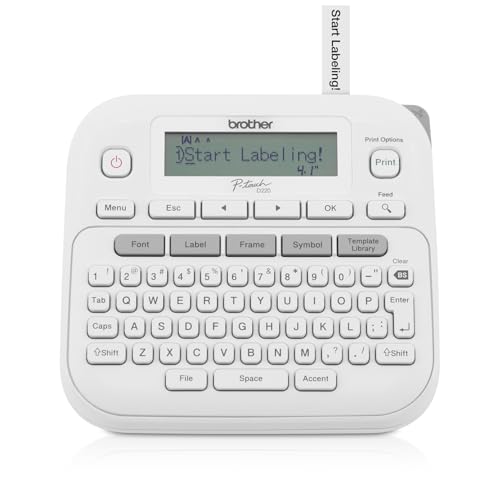
P-Touch Label Maker PTD220 (Renewed Premium) by Brother
Brother
Budget
Label Maker M100 Bluetooth Label Printer
Ponek
Budget
Brother P-touch Pro Label Maker PTH111
Brother
Mid-Range
Phomemo D30 label maker with 3 adhesive label papers
Phomemo
Budget
P-Touch Cube Color Label Maker with Bluetooth
Brother
Mid-Range
Label Maker M100 with Bluetooth, 20x50mm labels
NelkoGlobal
Budget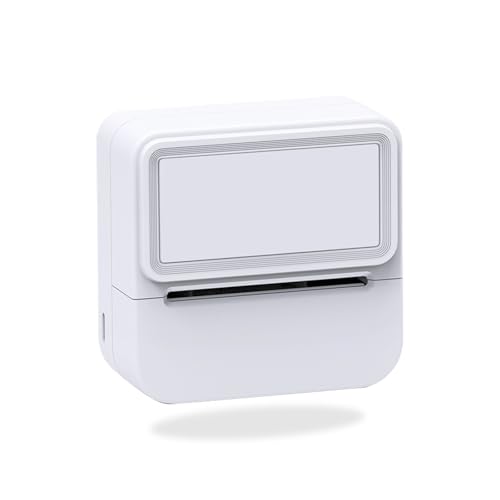
Aixiqee Mini Sticker Printer - Portable Bluetooth Inkless Label Maker
Aixiqee
Mid-Range
P-Touch Cube Smartphone Label Maker with Bluetooth
Brother
Mid-Range
PT-D210 label maker bundle with 4 tapes, white
Brother
Mid-Range
M100 label maker with 3 tapes
Ponek
Mid-Range
Brother PT-D210SV label maker with case, adapter & tapes
Brother
Mid-Range
New Printhead 203dpi for Zebra GX420T GK420T Thermal Desktop
GETPARTS
Budget
DYMO LetraTag 100H portable label maker with 3 tape rolls
DYMO
Mid-Range
Phomemo M220 Bluetooth Label Maker
Phomemo
Mid-Range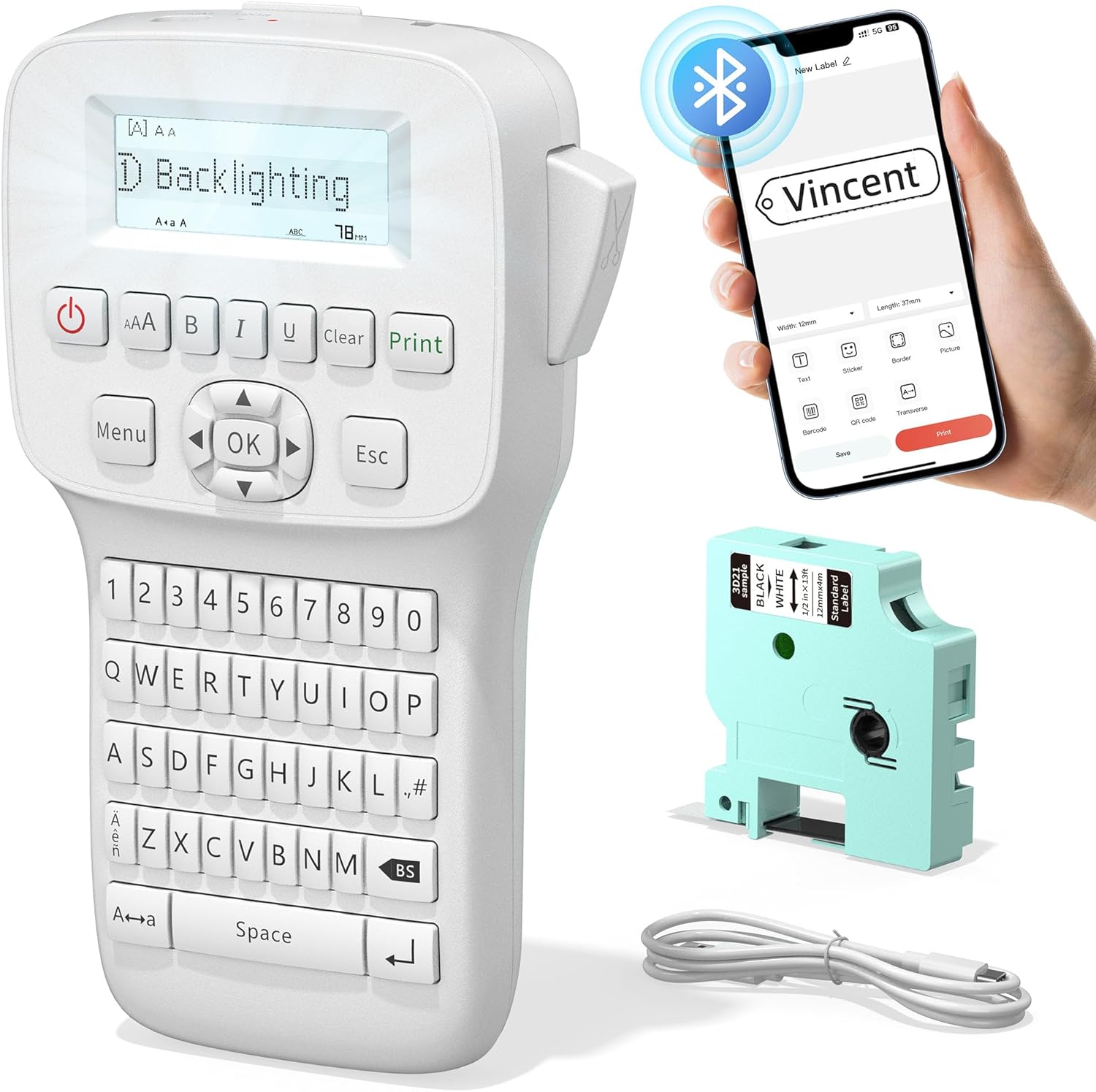
Label Maker LM1600 with backlit screen and rechargeable battery
Vixic
Mid-Range
DYMO Desktop Label Maker for home & office
DYMO
Mid-Range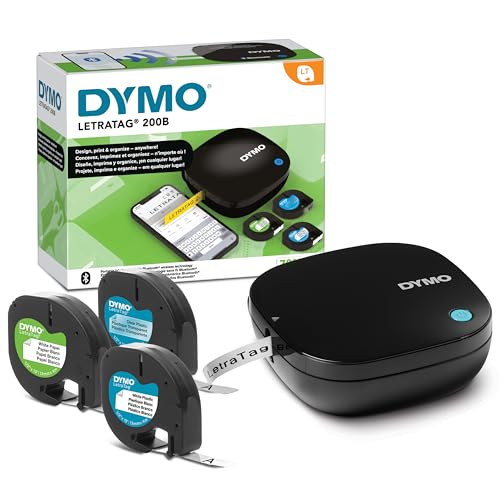
DYMO LetraTag 200B Bluetooth Label Maker
DYMO
Mid-Range
Brady BMP61 Series R4300 Printer Ribbon, Black, 75' x 2"
Brady
Budget
Phomemo M220 Bluetooth Thermal Label Maker
Phomemo
Mid-RangeRoundups
Frequently Asked Questions
How do I choose the right type of label maker for office use?
Choose by intended use: handheld/portable models are good for quick on-the-go labeling, desktop electronic label printers offer more formatting and speed for regular office tasks, and industrial/thermal transfer units suit heavy-duty or durable labels. Consider connectivity (USB/Bluetooth), supported label widths and materials, and whether you need PC software or mobile apps for design
What label materials and sizes should I look for?
Common materials include paper, laminated polyester, and vinyl; paper is economical for temporary labels, laminated polyester and vinyl resist chemicals and moisture for files, wiring, and outdoor use. Check the maximum label width the printer accepts (often 6–24 mm for compact models and wider for desktop/industrial units) and whether it supports continuous or pre-sized tapes
How much do label makers typically cost and what features change the price?
Prices vary by capability: basic handheld thermal printers often fall under $50, midrange desktop models commonly sit around $50–$150, and specialized or industrial thermal transfer printers can go higher. Higher prices generally reflect faster print speeds, wider label compatibility, durable housing, advanced software, or network connectivity
Do label makers need special cartridges or tapes, and are they proprietary?
Most label makers use branded tape cartridges or rolls specific to the manufacturer and model, though some accept third-party equivalents. Verify tape width compatibility and material type for the model you choose, and factor ongoing tape or ribbon costs into operating expenses
What connectivity options should I consider for office workflows?
Common options include USB for direct computer connection, Bluetooth or Wi‑Fi for mobile and networked printing, and SD/USB storage or built-in keyboard/display for standalone use. Choose connectivity that matches whether you design labels on a PC, mobile device, or need multiple users to print from a shared network
How long do label maker prints last and how can I maximize durability?
Durability depends on material and adhesive: laminated polyester and vinyl labels resist moisture, chemicals, and UV better than plain paper. To maximize lifespan, use the appropriate tape material for the environment, allow printed labels to cure briefly before exposure, and clean surfaces before applying labels
What maintenance is required to keep a label maker working reliably?
Regularly clean the print head and feed path per the manufacturer's instructions, replace worn or empty cartridges/rolls, and store the device and spare tapes in a dry, moderate-temperature area. For thermal transfer models, replace ribbons as recommended and use compatible supplies to avoid jams and damage